

Creatopy is now The Brief.

Creatopy is now The Brief.
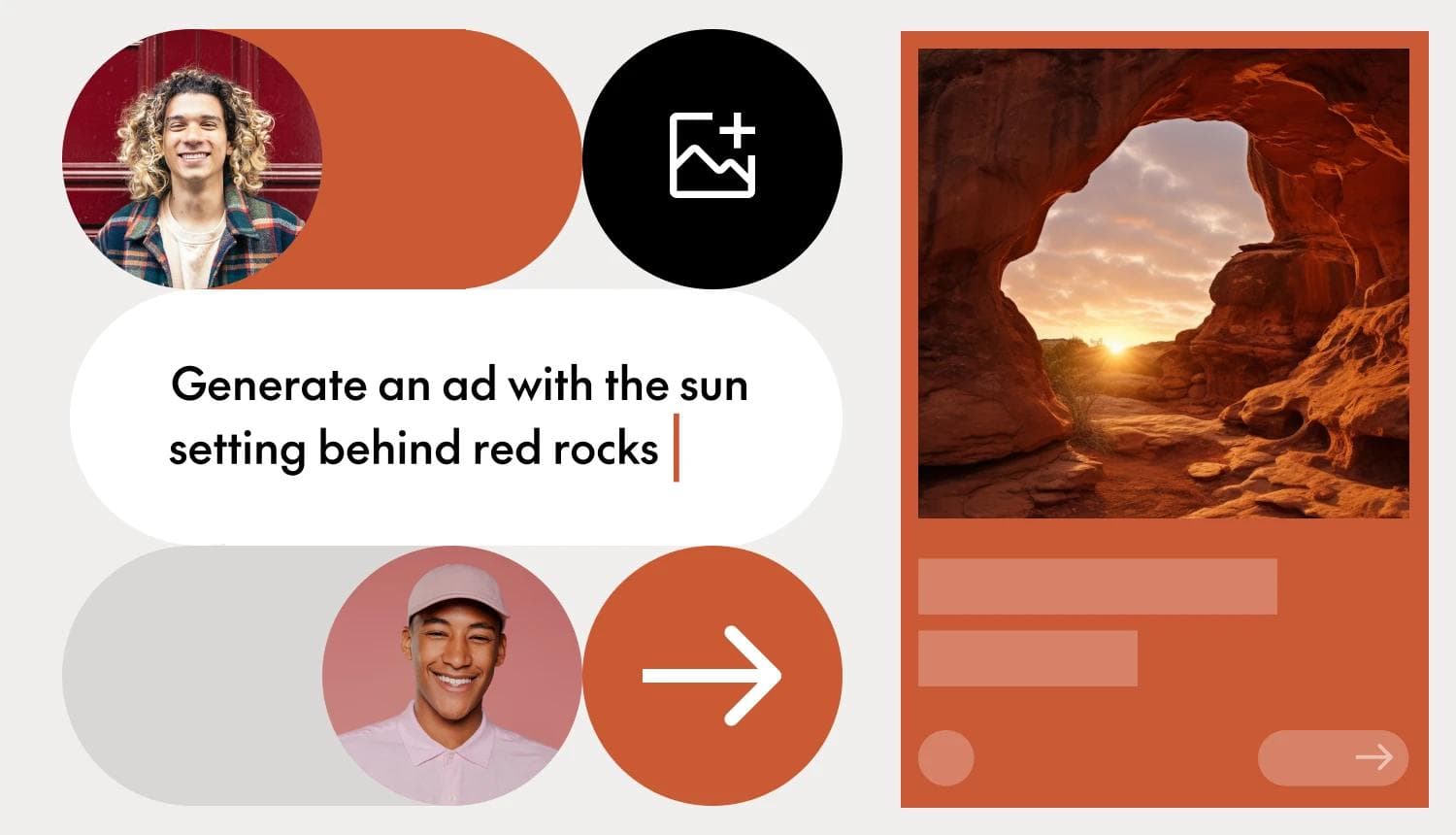
An ad design tool is software that lets you create digital advertisements without professional design skills, ranging from simple template editors to AI-powered platforms that generate complete ad concepts from a single prompt.
The gap between these two approaches is widening fast. This guide covers how modern ad makers work, what features actually matter, and how to choose the right tool for your team's workflow.
An ad design tool is software that helps you create advertisements for digital platforms, like social media, display networks or video channels, without professional design training. Some are simple template editors where you swap images and tweak text. Others use AI to generate entire ad concepts from a single prompt.
You'll hear different names for the same thing: ad makers, advertisement creators, advert makers, ad generators. They all solve one core problem: getting professional-looking ads created and published faster than traditional design workflows allow.
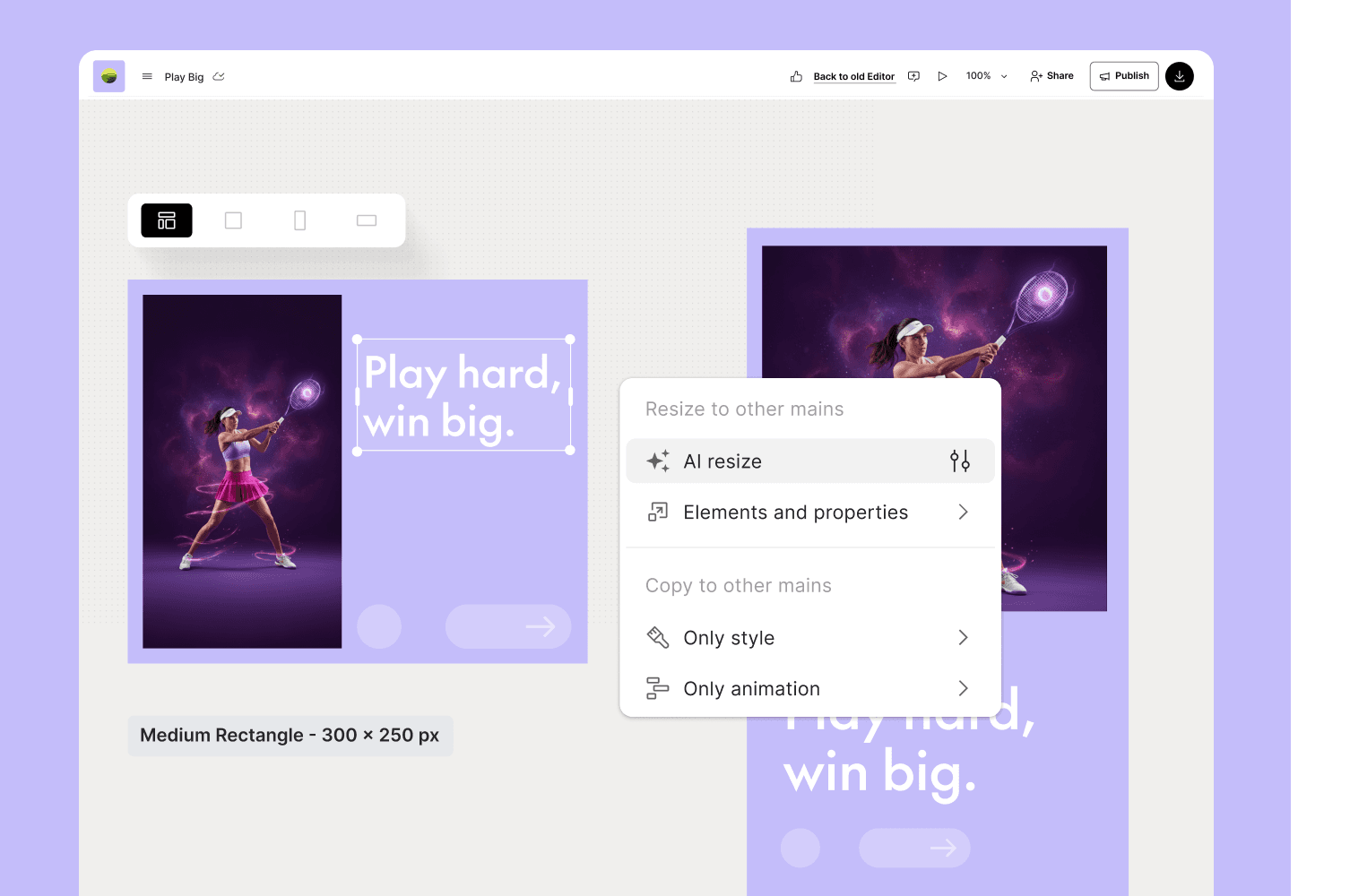
Template-based ad designers worked well for years. Pick a layout, customize the colors, drop in your product image, export. Simple enough, until you realize you want that same ad in 47 different sizes for different platforms.
AI-powered ad creators take a different approach with nearly 40% of ad creative projected to be AI-generated in 2026. Instead of starting from a fixed template, they generate variations based on your inputs, brand guidelines, and performance data from past campaigns. The difference shows up in a few key areas:
This isn't just about doing the same work faster. It's about doing work that wasn't possible before.
The process looks similar across most ad makers, though AI-powered tools compress several steps into one.
Start by importing your logos, fonts, colors, and approved imagery. Some advanced tools can scan your website and pull brand elements automatically - a small feature that saves surprising amounts of setup time.

Choose where your ad will run: Facebook feed, Google Display, Instagram Stories, LinkedIn. Good ad design tools show platform-specific requirements upfront, so you're not guessing about dimensions or file size limits.
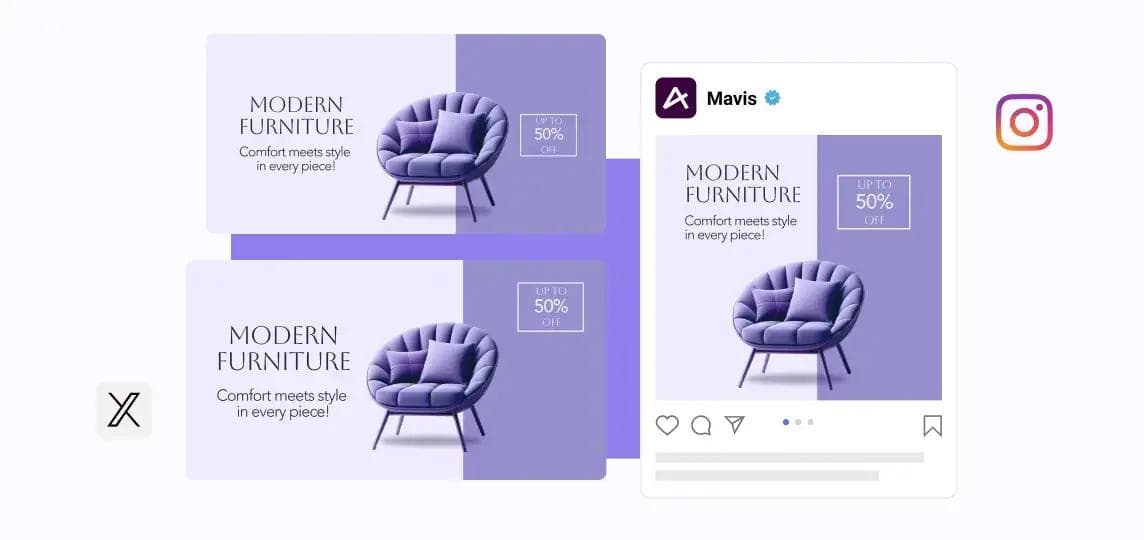
Here's where AI tools diverge from traditional editors. You can either select a pre-made template and customize it manually, or describe what you want and let AI generate options. Most tools offer both paths, so you can start with AI suggestions and refine from there.

Once your design is ready, export it in the formats you want. The feature worth paying attention to here is automatic resizing, tools that intelligently adapt your layout to different dimensions rather than just cropping the edges. Some platforms also offer direct publishing to ad networks, cutting out the download-upload cycle entirely.
Not every ad design tool offers the same capabilities. What matters depends on how you work and what you're trying to accomplish.
This goes beyond swapping images in templates. True AI generation creates ad visuals, headlines, and copy from prompts or product data. You describe what you're promoting, and the tool produces options you can refine. Learn more about prompt-to-design workflows and how they work in practice.

Manually resizing ads for every platform is one of those tasks that sounds minor until you're doing it for the twentieth time this week. Smart resize tools adapt layouts intelligently, repositioning elements rather than just cropping, to fit different dimensions.
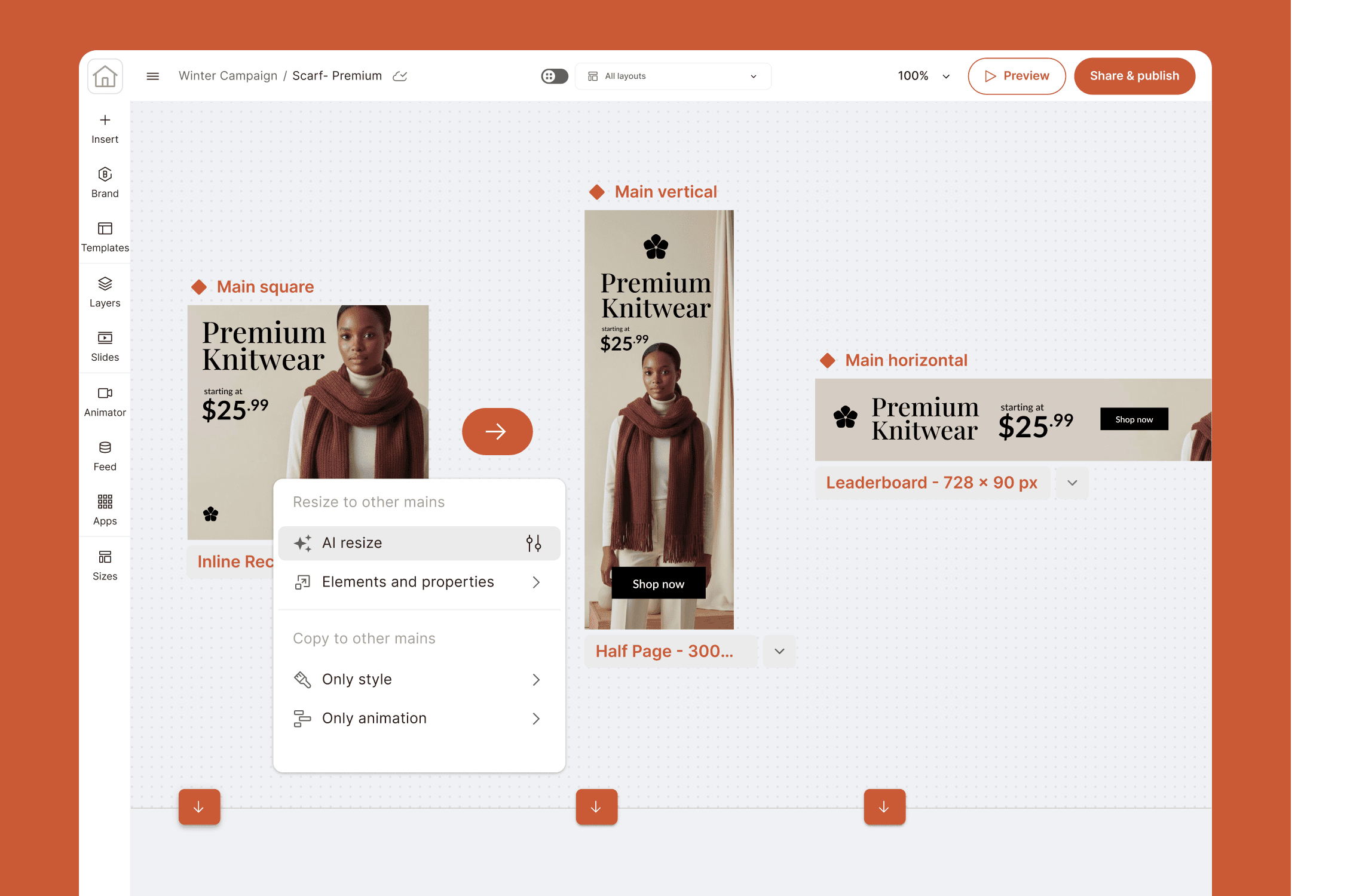
For teams and regulated industries, brand governance becomes critical. Look for brand kit storage, locked template elements that prevent off-brand edits, and approval workflows that route ads through stakeholders before publishing.

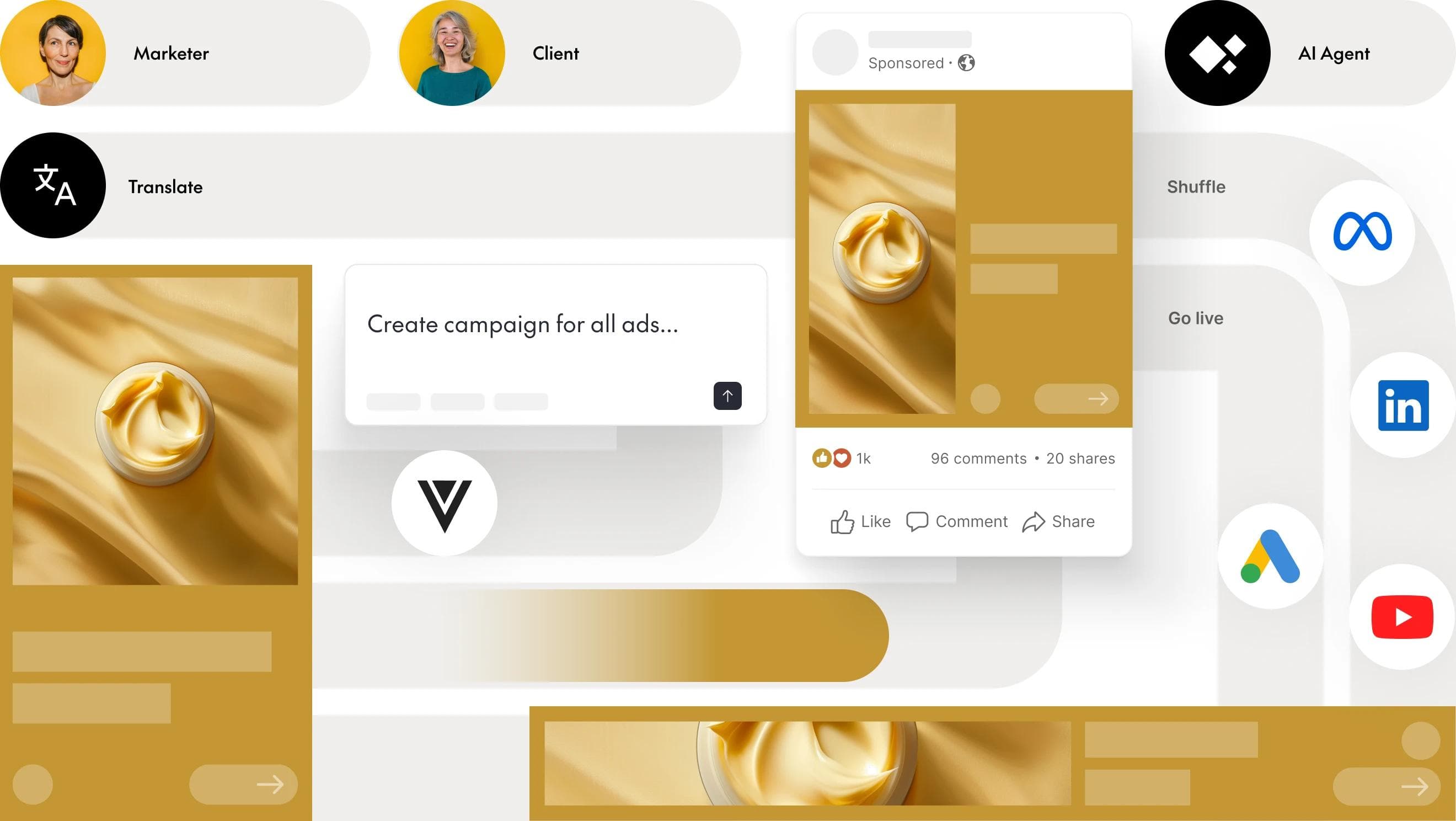
The ability to publish directly to Meta, Google, LinkedIn, and TikTok saves the tedious cycle of downloading files and uploading them elsewhere. It also reduces errors in the handoff.

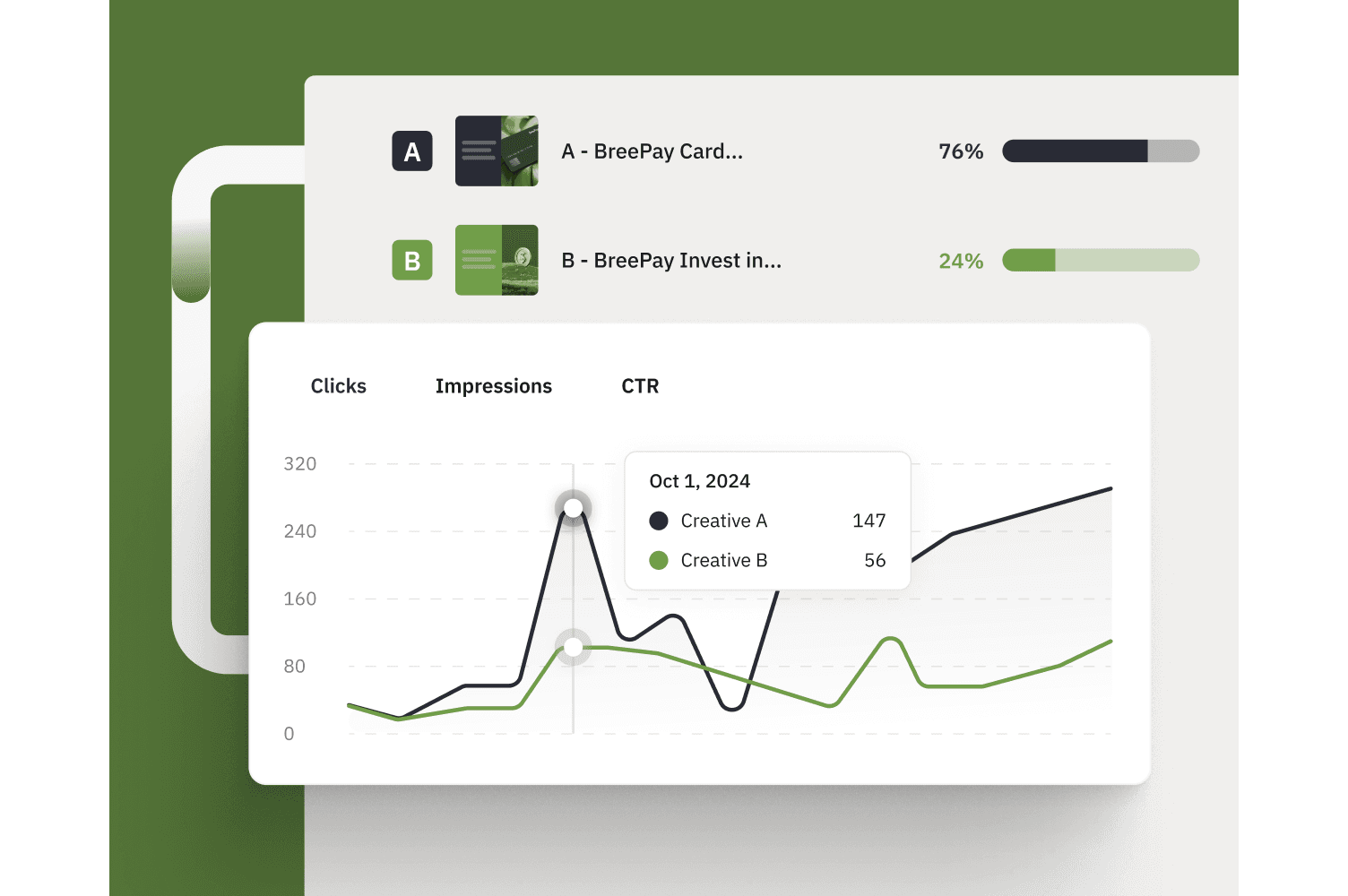
Some ad creators connect to performance data, showing which creatives drive results. Creative analytics and A/B test tracking turn your ad tool from a production system into a learning system.

The landscape includes everything from free tools for small businesses to enterprise platforms built for scale.
| Tool | Best for | AI features | Free tier |
|---|---|---|---|
| Canva | General-purpose design | Moderate AI | Yes |
| Adobe Express | Marketing teams | Moderate AI | Yes |
| AdCreative.ai | Performance marketers | Advanced AI | Trial |
| PosterMyWall | Small businesses | Minimal AI | Yes |
| The Brief | Scaling marketing teams | Advanced AI workflows | Trial |
Canva is the most widely used free ad maker. Its template library is massive, the interface is intuitive, and most people can create decent-looking ads within minutes. The trade-off: limited AI capabilities and fewer enterprise features like brand governance.
Adobe's accessible ad creator integrates well with Creative Cloud, making it a natural choice for teams already in that ecosystem. The AI features are solid, though not as advanced as dedicated AI-first tools.
This platform focuses specifically on performance marketing and e-commerce. Its AI is trained on conversion data, generating ads optimized for clicks and sales rather than just aesthetics.
A budget-friendly option for small businesses and local marketing. The template library is extensive and the learning curve is gentle, though you won't find advanced automation here.
The Brief is built for marketing teams that need to produce and manage ad creatives at scale. It combines design, AI-assisted creation, and publishing workflows in one environment, helping teams maintain consistency while reducing manual production work. Compared to simpler design tools, it places more emphasis on structured workflows and collaboration, which may require some initial setup.
Free tools work well for getting started, but limitations show up quickly as volume increases.
Free tools typically offer:
Paid tools typically offer:
The decision often comes down to volume. If you're creating a handful of ads per month, free tools handle it fine. Once you're producing dozens or hundreds of variations across multiple campaigns, the time savings from paid features pay for themselves.

Each platform has its own specifications, and what works on Instagram might fall flat on LinkedIn. For a broader look at your options, see our comparison of social media advertising tools.
Meta's ad formats include feed posts, stories, and reels. Mobile-first design matters here, as most users scroll on phones. Watch the text overlay limits too; Meta's algorithm can penalize ads with too much text on the image. For stories specifically, pay attention to Instagram Story size requirements before you design.
The Google Display Network uses various banner sizes plus responsive display ads that adapt automatically. YouTube offers skippable in-stream ads, short bumper ads, and discovery ads that appear in search results.
TikTok rewards authenticity over polish. Vertical video is required, and ads that feel native to the platform, less like traditional commercials, tend to perform better.
The professional context changes everything. Sponsored content, message ads, and dynamic ads all work here, but the tone and imagery typically run more buttoned-up than other platforms.
Brand consistency, which can increase revenue by up to 33%, gets harder as more people create ads and production volume increases. Brand governance, the systems and rules that maintain consistency, becomes essential at scale.
For regulated industries like pharma and finance, brand governance features aren't optional, they're compliance requirements.

A/B testing means running different creative variations to see what performs best. The challenge has always been production: creating enough variations to test meaningfully takes time most teams don't have.
AI ad makers change that equation. You can generate dozens of headline and image combinations from one brief, automatically create platform-specific versions of each variant, connect creative variations to performance metrics, and identify winning elements to inform future creative strategy.
Instead of testing two versions because that's all you had time to make, you can test twenty and let data guide decisions.
An ad design tool works best when it connects to everything else you use.
The goal is eliminating manual handoffs (the downloading, uploading, and copy-pasting) that slow campaigns down and introduce errors. See how The Brief's integrations connect your marketing stack for a deeper look at what's possible.
The right ad design tool removes the bottleneck of manual creative production. For teams managing multiple campaigns, markets, and formats, an intelligent system that automates resizing, maintains brand compliance, and connects to performance data transforms how marketing operates.
The Brief was built by marketers who lived this pain, designed to handle the production grind so teams can focus on the strategic and creative work that actually moves brands forward.
Pricing ranges from free tiers with basic features to enterprise subscriptions that can run several hundred dollars per month. Cost typically scales with users, export volume, and feature access.
Yes. Modern ad makers are built specifically for non-designers, featuring drag-and-drop editors, pre-built templates, and AI that generates layouts and copy automatically.
Most tools export PNG, JPG, PDF, MP4, and GIF. Some also offer platform-specific formats optimized for each ad network.
Many ad makers include video editors with templates, stock footage, and music libraries. Some AI tools can transform static images into animated video ads automatically.
Most paid tools offer team workspaces with shared asset libraries, commenting, version history, and approval workflows.
Quality ad design tools include templates sized to each platform's requirements and flag issues, like excessive text, before export.
Yes. AI-powered ad creators generate headlines, body copy, and calls-to-action based on your product information and campaign objectives. The Brief's AI text generator handles this as part of the broader creative workflow.
Let's put these insights into action. Build, scale, and automate campaigns with AI-powered workflows.

