
.webp%3Fw%3D1125%26fm%3Dwebp%26q%3D70%26fit%3Dmax&w=3840&q=70)
Creatopy is now The Brief.

Creatopy is now The Brief.
Getting LinkedIn ad specs wrong means rejected creatives and delayed campaigns. It's the kind of friction that slows teams down right when they're trying to move fast.
This guide covers every LinkedIn ad format — from single image and video to Lead Gen Forms and Connected TV — with the exact dimensions, character limits and file requirements you need to launch without hiccups.
Every LinkedIn ad shares a common structure, regardless of format. You're working with introductory text (around 150 characters before it gets cut off), a headline (roughly 70 characters visible), a visual asset and a call-to-action button. Getting familiar with this anatomy helps you plan creatives that display correctly on both desktop and mobile.
The visual asset changes depending on the format. Images typically accept JPG or PNG files up to 5MB, while documents support PDF, DOC and PPT files up to 100MB. LinkedIn offers preset CTA button options like "Learn More," "Sign Up" and "Download," so you can't write custom button text. Your destination URL can point to an external landing page or a Lead Gen Form that captures information without leaving LinkedIn.
Sponsored content shows up natively in the LinkedIn feed, blending with organic posts on desktop and mobile. If you're running LinkedIn ads, you'll likely spend most of your time with sponsored content formats.
Single image ads are the most common LinkedIn ad type. They're simple to produce and work well across awareness, engagement and lead generation objectives.
| Element | Specification |
|---|---|
| Image size | 1200 x 1200px (1:1) or 1200 x 628px (1.91:1) |
| File type | JPG, PNG or GIF (static) |
| Max file size | 5MB |
| Headline | 70 characters before truncation (200 max) |
| Introductory text | 150 characters before "see more" (600 max) |
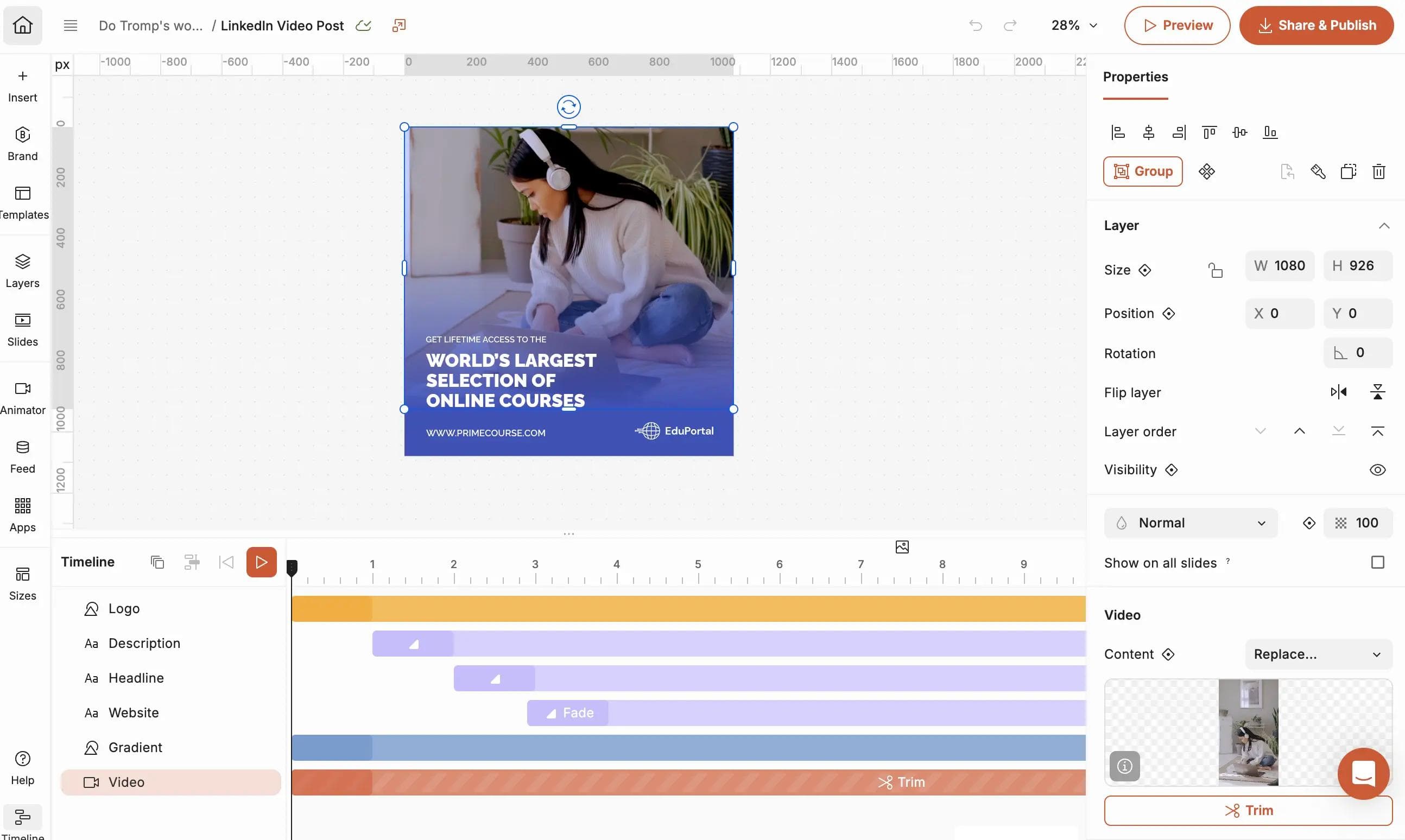
Video ads follow similar text limits to single image ads but add motion to grab attention. Since 80% of users scroll with sound off, captions make a real difference in whether someone stops to watch.
| Element | Specification |
|---|---|
| Resolution | Minimum 360p, recommended 1080p |
| Aspect ratio | 16:9 (landscape), 1:1 (square) or 9:16 (vertical) |
| File type | MP4 |
| Max file size | 200MB |
| Duration | 3 seconds to 30 minutes (15–30 seconds tends to perform best) |
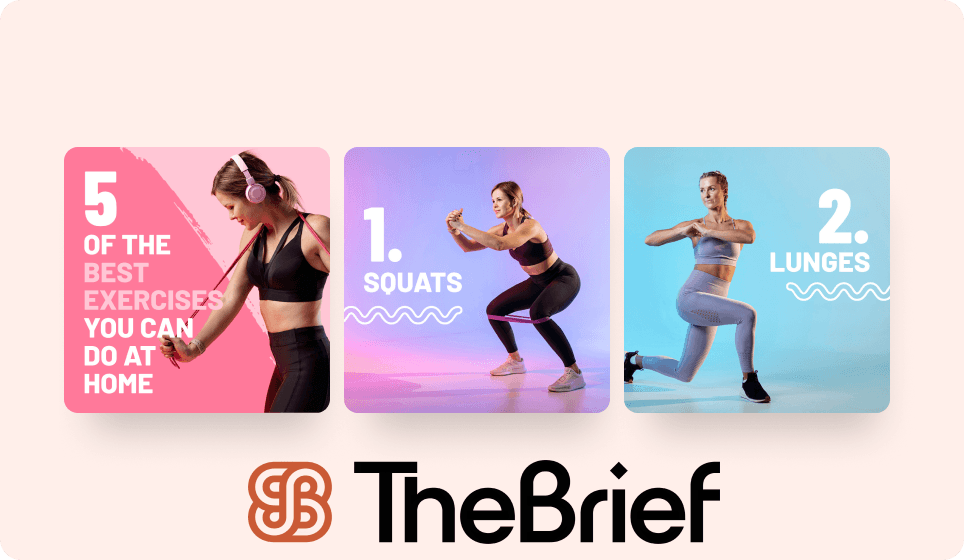
Carousel ads let you tell a story across multiple cards or showcase several products at once. Each card can link to a different destination, which makes carousels useful for product catalogs or step-by-step narratives.
You can include 2–10 cards per carousel. Each card uses a 1:1 aspect ratio image at 1080 x 1080px. Card headlines max out at 45 characters with a link, or 30 characters without one.
Event ads pull information directly from a LinkedIn Event you've created. The event image, title and details auto-populate, so there's less creative work involved. Your main focus is writing introductory text that drives registrations.
Document ads let members preview and download content like whitepapers, case studies or slide decks without leaving LinkedIn. For B2B marketers, document ads often outperform other formats for lead generation, as 40% of B2B marketers rate LinkedIn as their most effective channel for high-quality leads.
Thought leader ads promote organic posts from individual employees rather than your company page. The specifications follow whatever format the original post used. If it's a video post, video specs apply.
You'll need permission from the employee whose post you're boosting. Thought leader ads work well for humanizing your brand and putting executive voices front and center.
Click-to-message ads look like single image ads but open a LinkedIn conversation instead of directing to a landing page. Image specs match single image ads (1200 x 1200px recommended). You can customize the initial message that appears when someone clicks.
LinkedIn's newest format reaches users on streaming devices like Roku, Apple TV and smart TVs. Video resolution runs at 1920 x 1080px minimum with a 16:9 aspect ratio. Duration ranges from 6–30 seconds, and file size caps at 500MB.
Connected TV extends your LinkedIn targeting to the living room, which can be useful for brand awareness campaigns targeting decision-makers during their downtime.
Article and newsletter ads promote LinkedIn articles or newsletter subscriptions. The article's featured image and headline pull automatically, so you're mainly customizing the introductory text to add context or a specific call-to-action.
Sponsored messaging reaches users directly in their LinkedIn inbox. Unlike feed-based ads, messaging feels more personal. However, recipients need to have messaging open to non-connections for your ad to land.
Message ads deliver a single message from a real LinkedIn member, typically a sales rep or executive at your company.
| Element | Specification |
|---|---|
| Subject line | 60 characters max |
| Message body | 1,500 characters max |
| CTA button | 20 characters max |
| Banner image (optional) | 300 x 250px, JPG or PNG, 2MB max |
Conversation ads add branching paths with multiple CTA buttons. Think of them as choose-your-own-adventure messages where recipients engage with your content rather than just reading it.
You can include up to 5 CTA buttons per message, and each button can lead to a different follow-up message or external URL. Banner specs match message ads.
Lead Gen Forms overlay on top of your ad, capturing information without sending users to an external landing page. LinkedIn auto-fills fields from member profiles, which typically achieves 13% conversion rates since users don't have to type everything manually.
You can include up to 12 fields total. Standard fields like name, email, job title and company auto-populate from profiles. Custom questions support single-line text or multiple choice with up to 10 options.
Text ads are LinkedIn's simplest and most affordable format. They appear in the right rail and top banner on desktop only, so there's no mobile placement.
| Element | Specification |
|---|---|
| Headline | 25 characters max |
| Description | 75 characters max |
| Image | 100 x 100px, JPG or PNG, 2MB max |
The small image is optional but recommended. Text ads work well for always-on campaigns with modest budgets.
Dynamic ads personalize automatically using member profile data, including their photo and name. They appear in the right column on desktop only.
Follower ads encourage members to follow your company page. LinkedIn pulls the member's profile photo alongside your company logo. Headline and description max out at 50 and 70 characters respectively.
Spotlight ads drive traffic to a specific destination. You can customize the headline (50 characters), description (70 characters) and CTA text (18 characters). Your company logo appears at 100 x 100px.
Job ads pull from your LinkedIn job postings and target members whose profiles match the role requirements. Specifications follow the spotlight ad format, but content auto-populates from the job listing.
Display ads run through LinkedIn's programmatic network or Marketing Partners. Standard IAB sizes apply:
File types include JPG, PNG and GIF. Max file size is typically 200KB. Display placements are less common for self-serve advertisers but useful for enterprise campaigns requiring broader reach.
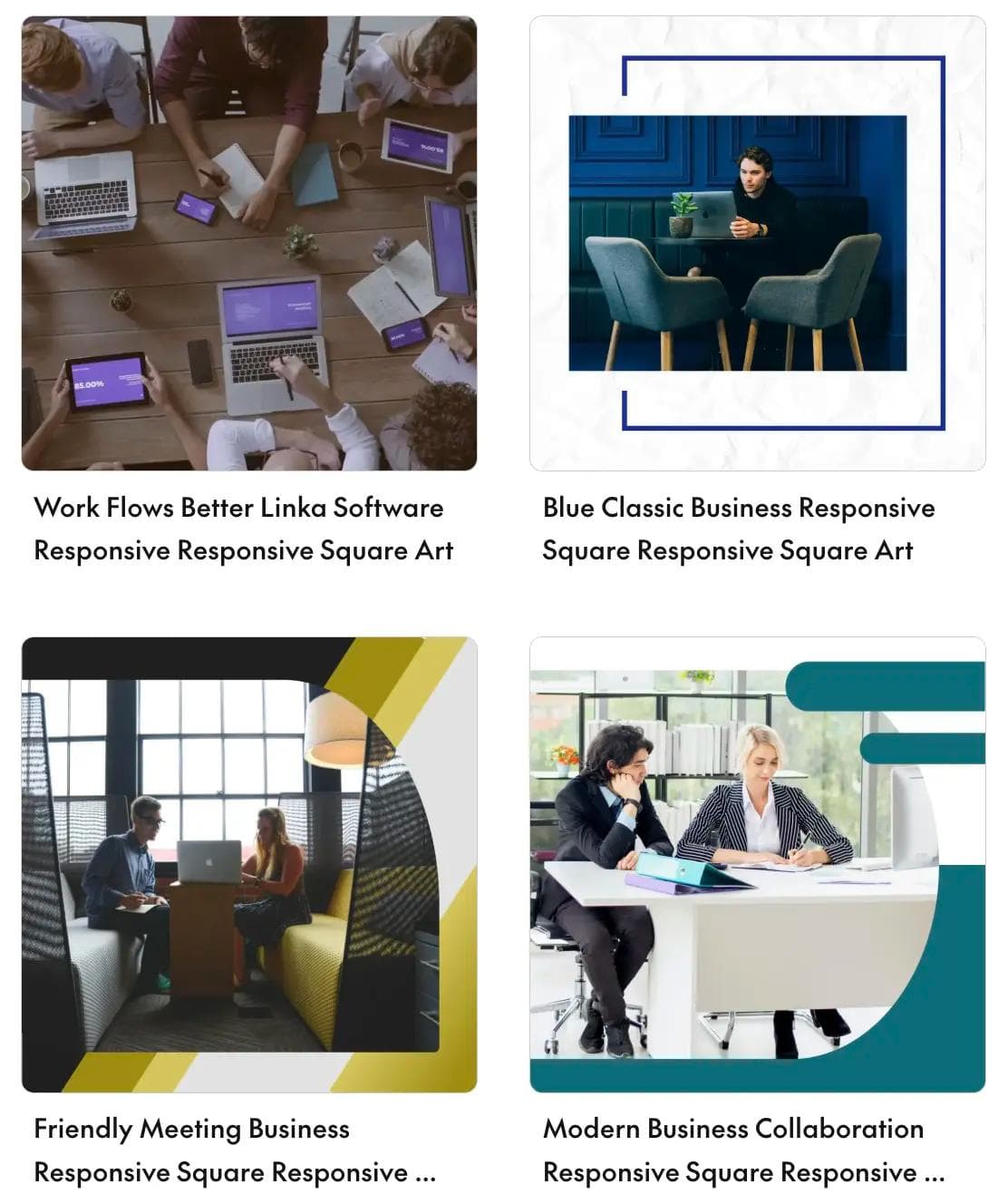
Leveraging The Brief's templates for LinkedIn ads is a strategic move that transforms professional ad creation from a complex design task into a streamlined, results-oriented process. Our templates will help you create ads for the LinkedIn ecosystem, providing a proven framework that accelerates your workflow while ensuring every ad aligns with the platform's professional tone and best practices.Instead of checking specs every time you resize an asset, you start with the right canvas and focus on the creative work itself.
Managing LinkedIn creative specs across formats gets tedious fast, especially when you're running campaigns across multiple platforms simultaneously. The Brief automates the production work so your team can focus on strategy and creative decisions.
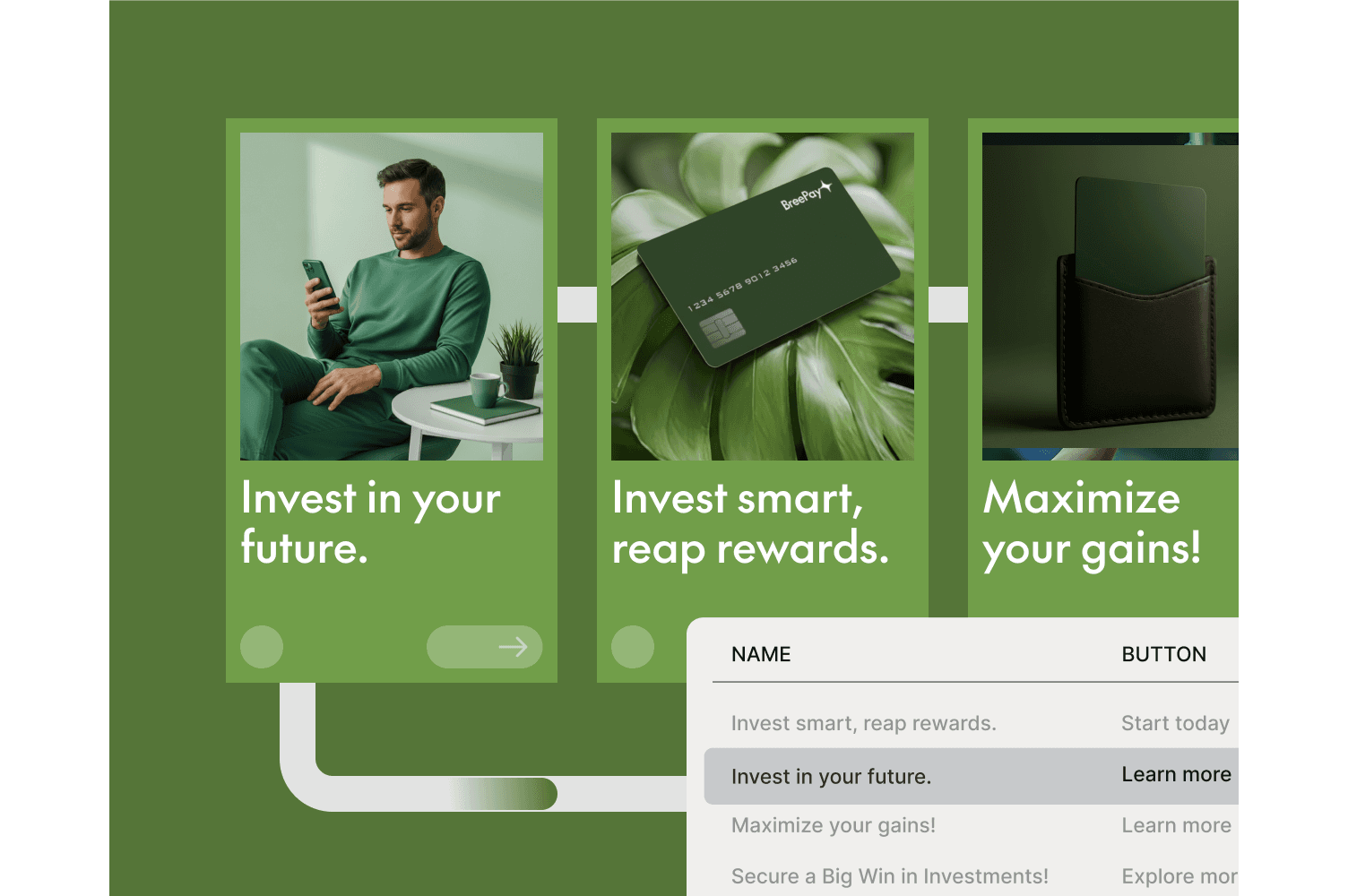
With The Brief, you can generate on-brand ad variations across formats from a single prompt. The platform handles resizing, spec compliance and brand governance automatically. No more manual checks, no more rejected ads because someone forgot a dimension requirement.
It depends on your objective. Single image and video ads work well for brand awareness. Lead Gen Forms excel at capturing qualified leads directly on the platform. Carousel ads perform when you have a multi-product story to tell.
Most sponsored content formats render on both devices, but text ads and dynamic ads only appear on desktop. Always preview creatives on mobile since the majority of LinkedIn traffic comes from mobile devices, ensuring your LinkedIn image sizes work across all placements.
LinkedIn's ad review process rejects creatives that fall outside required specs. You'll receive an error message identifying the issue before your campaign can launch.
LinkedIn typically updates ad specs when launching new features or formats. Bookmark their official Marketing Solutions Help center and check before major campaign launches.
No. Each format has unique dimension and character requirements. Repurposing one creative across formats requires resizing and reformatting to meet each format's specs, or using a platform that handles resizing automatically.
Let's put these insights into action. Build, scale, and automate campaigns with AI-powered workflows.
.webp%3Fw%3D1500%26fm%3Dwebp%26q%3D70%26fit%3Dmax&w=3840&q=70)

Jenna Black
Dec 20, 2025 - 12 min read


