

The state of ad creation 2026: AI, creative trends and performance data from The Brief
Jenna Black
Dec 20, 2025 - 12 min read
Creatopy is now The Brief.

Getting Microsoft ad specs wrong means one thing: rejection. And rejection means delays, missed launch windows and frustrated teams scrambling to resize assets at the last minute.
This guide covers every specification you need for Microsoft display, native, video and responsive ads — plus the policy requirements that trip up even experienced marketers, particularly important as Microsoft's platform expects to reach $19.5 billion by 2026.
Microsoft ad specifications are the technical requirements that every creative asset has to meet before it can run on the Microsoft Advertising network. We're talking dimensions, file types, character limits and policy rules. If your ad doesn't meet the specs, it gets rejected. Simple as that.
The specs apply across Search, Display and Audience Network placements. They break down into 4 main categories:
Getting familiar with each category saves you from the frustrating cycle of uploading, getting rejected and re-uploading.
Display ads are the image-based banners you see across Microsoft's network, including MSN, Outlook, Xbox, and partner sites. Each placement has its own size requirements, so knowing the right dimensions upfront makes a real difference.
Microsoft accepts several standard display sizes. Not every size works for every placement, though. Here's a quick reference:
| Placement | Dimensions (px) | Aspect ratio |
|---|---|---|
| Leaderboard | 728 x 90 | 8:1 |
| Medium rectangle | 300 x 250 | 6:5 |
| Wide skyscraper | 160 x 600 | 4:15 |
| Large rectangle | 336 x 280 | 6:5 |
| Billboard | 970 x 250 | 39:10 |
Microsoft supports JPG, GIF and HTML5 formats for display ads. JPG works well for photographs. GIF allows simple animations, though there are looping restrictions. HTML5 allows you to create rich, interactive, and responsive digital advertising.
Maximum file size is typically 150 KB for standard display ads. Larger files slow load times and can hurt delivery — critical since 41% of banner ads exceed industry file size guidelines.
Images with too much text often see reduced delivery. Microsoft recommends keeping text overlays minimal since your headline and description fields handle the heavy lifting. Logos can appear on images but work best when they don't dominate the creative.
The Microsoft Audience Network (MSAN) delivers native ad placements across Microsoft properties like MSN, Outlook.com, Xbox and Microsoft Edge, plus premium partner sites. Unlike traditional display ads, audience ads blend with surrounding content. That means they require a different asset approach.
Audience ads require both landscape and square images so they can adapt across placements:
| Image type | Minimum dimensions | Recommended |
|---|---|---|
| Landscape | 703 x 368 px | 1200 x 628 px |
| Square | 300 x 300 px | 1200 x 1200 px |
Higher resolution images look sharper on high-density screens. When possible, upload at the recommended dimensions rather than the minimum.
You'll provide multiple text assets that Microsoft combines dynamically based on the placement:
Providing multiple variations of each gives Microsoft's algorithm more flexibility to optimize delivery.
Audience ads automatically adapt to fit wherever they appear. The network includes MSN homepages, Outlook.com inboxes, Microsoft Edge new tabs and a range of premium publisher sites. You upload the assets once, and the system handles the formatting from there.
Native ads are a specific type of audience ad designed to match the editorial look and feel of the content around them. They're text-forward by design, so getting your copy right matters more here than almost anywhere else.
Short headlines max out at 30 characters. They appear in smaller placements where space is tight, so every word counts. Front-loading the value proposition tends to work well.
Long headlines allow up to 90 characters and show in larger placements. The extra room lets you add context or a secondary benefit.
Descriptions also cap at 90 characters. Microsoft may require multiple description variations to ensure flexibility across different ad slots.
Your business name can be up to 25 characters. Logos require a minimum of 100 x 100 pixels in PNG or JPG format. Keep logos simple since they'll often appear quite small.
Video ads run across the Microsoft Audience Network and follow specific format requirements. Getting the specs wrong means your video won't serve at all.
Videos can run between 6 and 120 seconds. That said, 15–30 seconds typically performs best for most objectives. Minimum resolution is 720p (1280 x 720), but 1080p delivers a noticeably better experience.
MP4 is the primary accepted format. Microsoft recommends H.264 codec with AAC audio. Bitrate works best at 2 Mbps or higher for standard quality, and even higher for HD content.
Microsoft supports multiple aspect ratios, each suited to different placements:
| Aspect ratio | Dimensions | Best for |
|---|---|---|
| Landscape (16:9) | 1920 x 1080 | Desktop, in-stream |
| Square (1:1) | 1080 x 1080 | Feed placements |
| Vertical (9:16) | 1080 x 1920 | Mobile-first placements |
Uploading multiple ratios maximizes your reach across the network.
Responsive ads dynamically adjust their size and format to fit available ad spaces. You provide the building blocks, and Microsoft assembles them for each placement.
At minimum, you'll provide:
Both are required. Responsive ads won't run without them.
Microsoft requires at least:
More variations give the algorithm more room to optimize.
Adding optional assets improves flexibility and reach. You can include additional images, video assets and alternate business name variations. The more you provide, the more combinations Microsoft can test.
Meeting technical specs is only half the equation. Every ad also goes through editorial review for policy compliance.
Microsoft requires ad copy to be clear, factual and accurate. Ads can't be misleading or make unsubstantiated claims. They also have to be clearly distinguishable as advertising, so no disguising ads as editorial content.
Your landing page has to be functional, relevant to the ad and compliant with Microsoft's policies. Broken links, slow load times or mismatched content can all trigger rejections. The landing page experience directly affects both approval and Quality Score.
Microsoft doesn't allow ads for certain categories:
Reviewing the full policy documentation before launching campaigns in sensitive verticals helps avoid surprises.
Even experienced teams run into rejections. Here are the most frequent issues and how to fix them:
Catching issues before submission saves days of back-and-forth with reviewers.
Manually resizing assets and checking specs for every platform gets old fast, especially when you're running campaigns across Microsoft, Meta, Google and more.
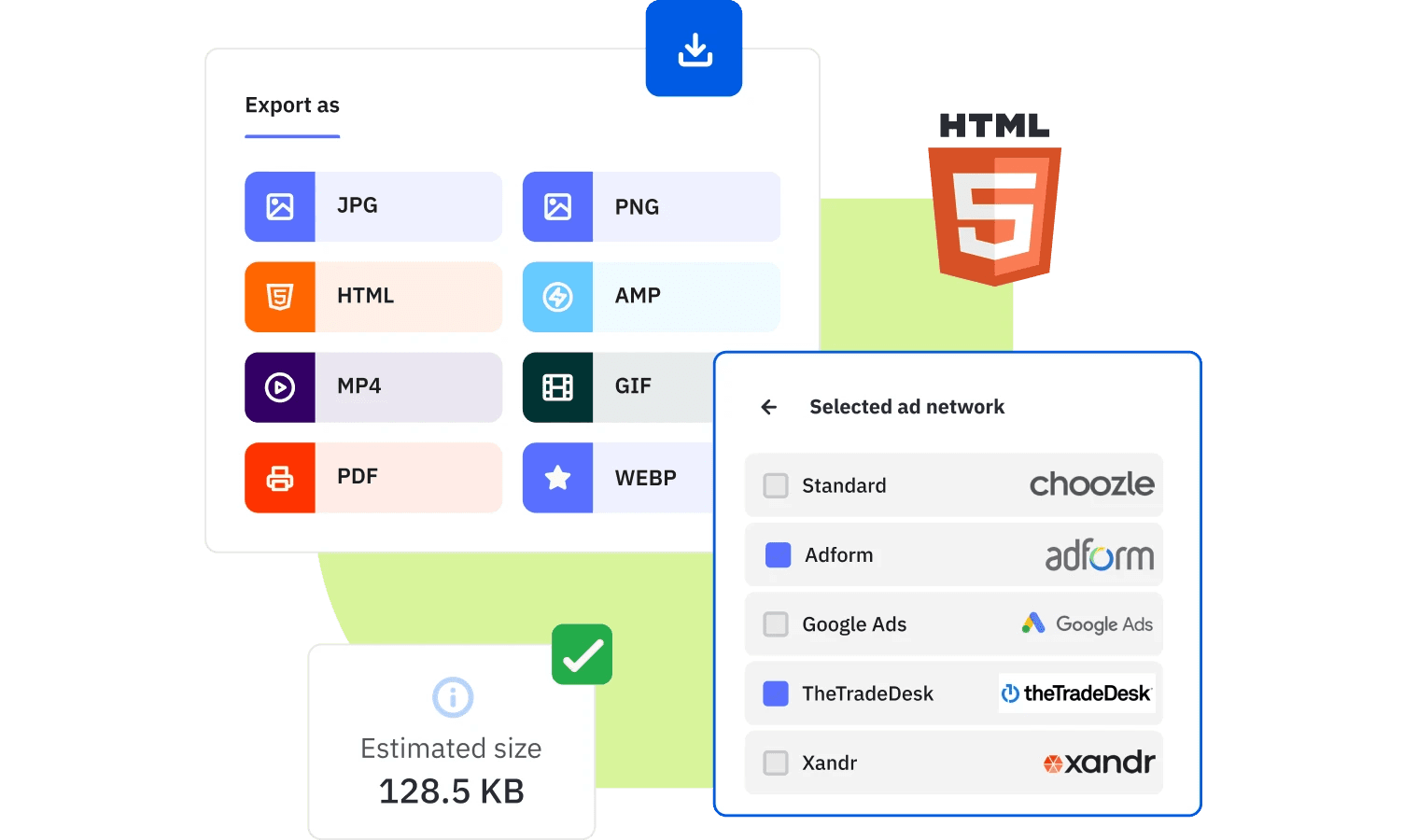
The Brief's AI-powered platform automatically generates ad assets in the correct dimensions and formats for Microsoft Advertising. Upload your creative once, and The Brief produces compliant variations across every required size and placement. Fewer rejections, faster launches and more time for the strategic work that actually moves the needle.
Display ads are traditional banner placements with fixed dimensions. Audience ads are native placements that blend with content across the Microsoft Audience Network, adapting their format to match each placement.
Microsoft updates specifications periodically, often without advance notice. Checking the official documentation before each new campaign launch helps avoid surprises.
Some dimensions overlap, but each platform has unique requirements. Assets perform best when tailored to each platform's specific specs and placements.
Non-compliant ads are rejected during review. You'll receive feedback on what to fix, then resubmit once corrections are made.
Microsoft Ads includes a preview tool during ad creation. The tool shows how your ads will appear across different placements before you submit for review.
Let's put these insights into action. Build, scale, and automate campaigns with AI-powered workflows.
Jenna Black
Dec 20, 2025 - 12 min read

Do Tromp
Jan 9, 2026 - 11 min read


