

The state of ad creation 2026: AI, creative trends and performance data from The Brief
The Brief Team
Dec 20, 2025 - 12 min read
Creatopy is now The Brief.
Getting Google ad specs wrong means rejected creatives, delayed launches and wasted production time. Every campaign type — display, search, Performance Max, Demand Gen, video and Shopping — has its own requirements for dimensions, file sizes and asset counts.
This guide covers the complete specifications for every Google ad format in 2026, along with templates and best practices to help your team produce compliant creatives faster.
Google display ads are visual advertisements that appear across the Google Display Network, a collection of over 2 million websites, apps and Google-owned properties like YouTube and Gmail. Unlike search ads that show up when someone types a query, display ads reach people while they're browsing content, watching videos or checking email.
Two main formats exist: responsive display ads and uploaded image ads, with 72% of image ads now using the responsive format. Responsive display ads take your images, headlines and logos, then automatically combine and resize them to fit whatever ad space is available. Uploaded image ads are static creatives you design yourself in specific dimensions.
The dimensions you choose determine where your ads can appear and how often they serve. Google supports dozens of sizes, but a handful dominate most available inventory.
Mobile placements have grown significantly as more users browse on phones, with mobile advertising projected to reach $447 billion and account for 56% of total digital ad spending. Here are the sizes that cover most mobile ad inventory:
| Ad size (pixels) | Ad name |
|---|---|
| 300 x 250 | Medium rectangle |
| 320 x 50 | Mobile leaderboard |
| 320 x 100 | Large mobile banner |
| 250 x 250 | Square |
| 200 x 200 | Small square |
Desktop placements still represent significant reach, particularly for B2B audiences:
| Ad size (pixels) | Ad name |
|---|---|
| 728 x 90 | Leaderboard |
| 300 x 250 | Medium rectangle |
| 336 x 280 | Large rectangle |
| 300 x 600 | Half page |
| 160 x 600 | Wide skyscraper |
So which sizes matter most? The 300 x 250 medium rectangle consistently offers the widest inventory across both mobile and desktop. If you're prioritizing reach, focus on 300 x 250, 728 x 90 and 160 x 600. Together, they cover most available placements across the network.
Responsive display ads are Google's default format. You provide the raw assets, and Google's machine learning tests different combinations to find what performs best for each placement.
| Asset type | Recommended size | Aspect ratio | File size limit |
|---|---|---|---|
| Landscape image | 1200 x 628 | 1.91:1 | 5120 KB |
| Square image | 1200 x 1200 | 1:1 | 5120 KB |
| Logo (landscape) | 1200 x 300 | 4:1 | 5120 KB |
| Logo (square) | 1200 x 1200 | 1:1 | 5120 KB |
Accepted formats are JPG, PNG and static GIF. One thing to keep in mind: avoid overlaying text or logos directly on images. Google may add your headlines and branding automatically, which can create visual clutter if your image already has text baked in.
Text assets work alongside your images to create complete ads:
The more variations you provide, the more combinations Google can test. Teams that supply the maximum number of assets typically see better performance because the algorithm has more room to optimize.
Video is optional but increasingly valuable for responsive display campaigns. All videos are hosted on YouTube and can be added in 16:9, 1:1 or 9:16 aspect ratios. Even a simple product video can significantly boost engagement compared to static images alone.
Search ads appear above and below organic results when users actively search for relevant terms. The primary format here is responsive search ads, which replaced expanded text ads.
Google tests different combinations automatically, showing up to 3 headlines and 2 descriptions at a time, with campaigns using Smart Bidding achieving 18% more search query categories with conversions. Providing more variations gives the algorithm more flexibility to find winning combinations for different search queries.
Image assets (formerly called image extensions) can enhance search ads with visuals. The requirements include square (1:1) and landscape (1.91:1) aspect ratios, a minimum of 300 x 300 pixels and a 5120 KB file size limit. Not every search ad will show images, but having them available gives Google another tool to improve performance.
Performance Max campaigns serve ads across every Google property: Search, Display, YouTube, Discover, Gmail and Maps. You provide a pool of assets, and Google assembles them based on context and user signals.
| Asset type | Minimum size | Recommended size | Aspect ratio |
|---|---|---|---|
| Landscape | 600 x 314 | 1200 x 628 | 1.91:1 |
| Square | 300 x 300 | 1200 x 1200 | 1:1 |
| Portrait | 480 x 600 | 960 x 1200 | 4:5 |
Portrait images matter more than you might expect. They're particularly important for mobile-first placements like Discover and YouTube Shorts, where vertical content dominates.
Videos are hosted on YouTube with a minimum duration of 10 seconds, though 15 seconds or longer is recommended. Here's something worth knowing: if you don't provide video, Google will auto-generate one from your image assets. The results are often underwhelming, so uploading custom video typically delivers better performance.
Demand Gen campaigns replaced Discovery campaigns and serve visually rich ads across YouTube, Discover and Gmail. The placements are designed for upper-funnel awareness and consideration rather than direct response.
Videos are hosted on YouTube. For YouTube Shorts placements, keep videos under 60 seconds in 9:16 vertical format. In-feed placements work well with 16:9 landscape video. Having both orientations available maximizes where your ads can appear.
Video campaigns run across YouTube and Google video partners, where YouTube advertising revenue reached $10.26 billion in Q3 2025. The main formats include skippable in-stream ads, non-skippable in-stream ads (15 seconds max) and bumper ads (6 seconds max).
All videos require YouTube hosting. Custom thumbnails are a minimum of 1280 x 720 pixels. Companion banners for desktop are 300 x 60 pixels.
Vertical 9:16 video is increasingly important as YouTube Shorts inventory grows. Consider creating both horizontal and vertical versions of key video assets to maximize reach across placements.
Shopping ads pull product information directly from Google Merchant Center rather than using traditional ad creatives. The key requirements center on your product feed:
Image quality directly impacts both ad approval and click-through rates. Blurry or poorly lit product photos often lead to rejections during the review process.
Across all campaign types, certain technical requirements remain consistent:
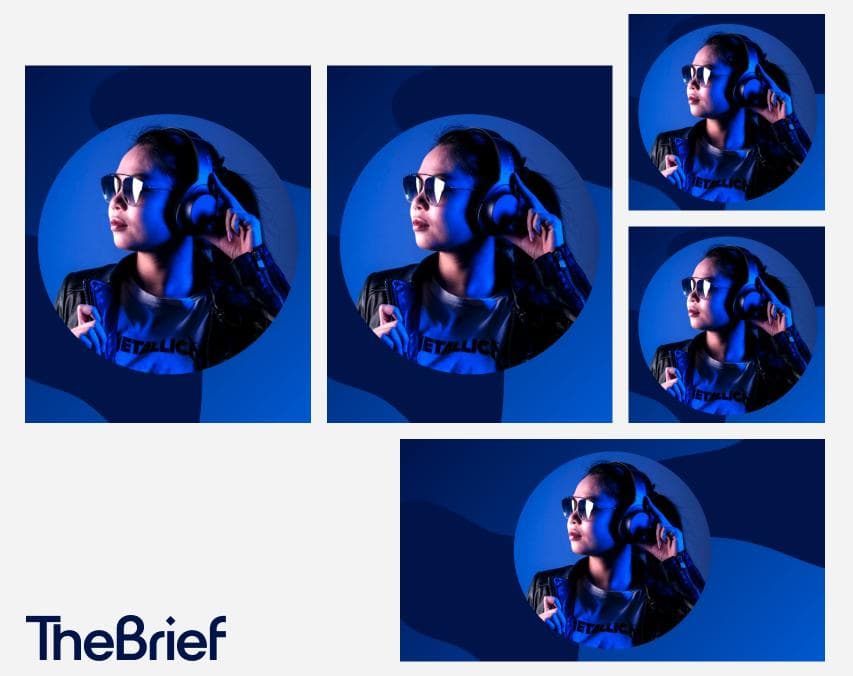
Managing specifications across dozens of sizes and formats is exactly the kind of repetitive work that slows teams down. The Brief eliminates that friction by auto-generating correctly sized creatives from a single design, maintaining brand compliance automatically and integrating directly with ad platforms for seamless publishing.
Instead of resizing the same ad 20 times, you design once and let The Brief handle the rest.

Transform your PMax workflow from a production bottleneck into a scalable growth engine by following these steps:
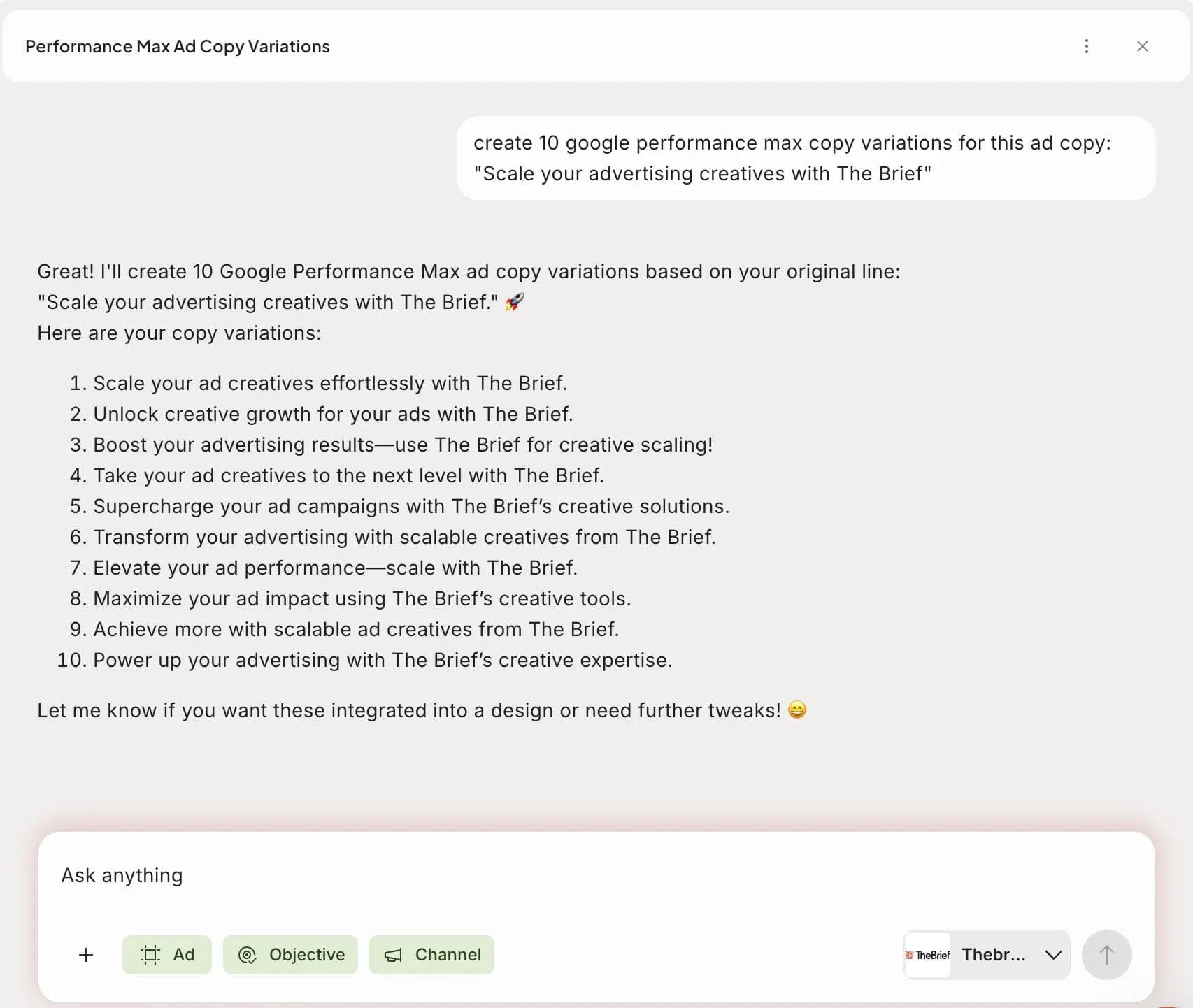
Launching your campaign is just the beginning. The real advantage comes from building a responsive, learning system.
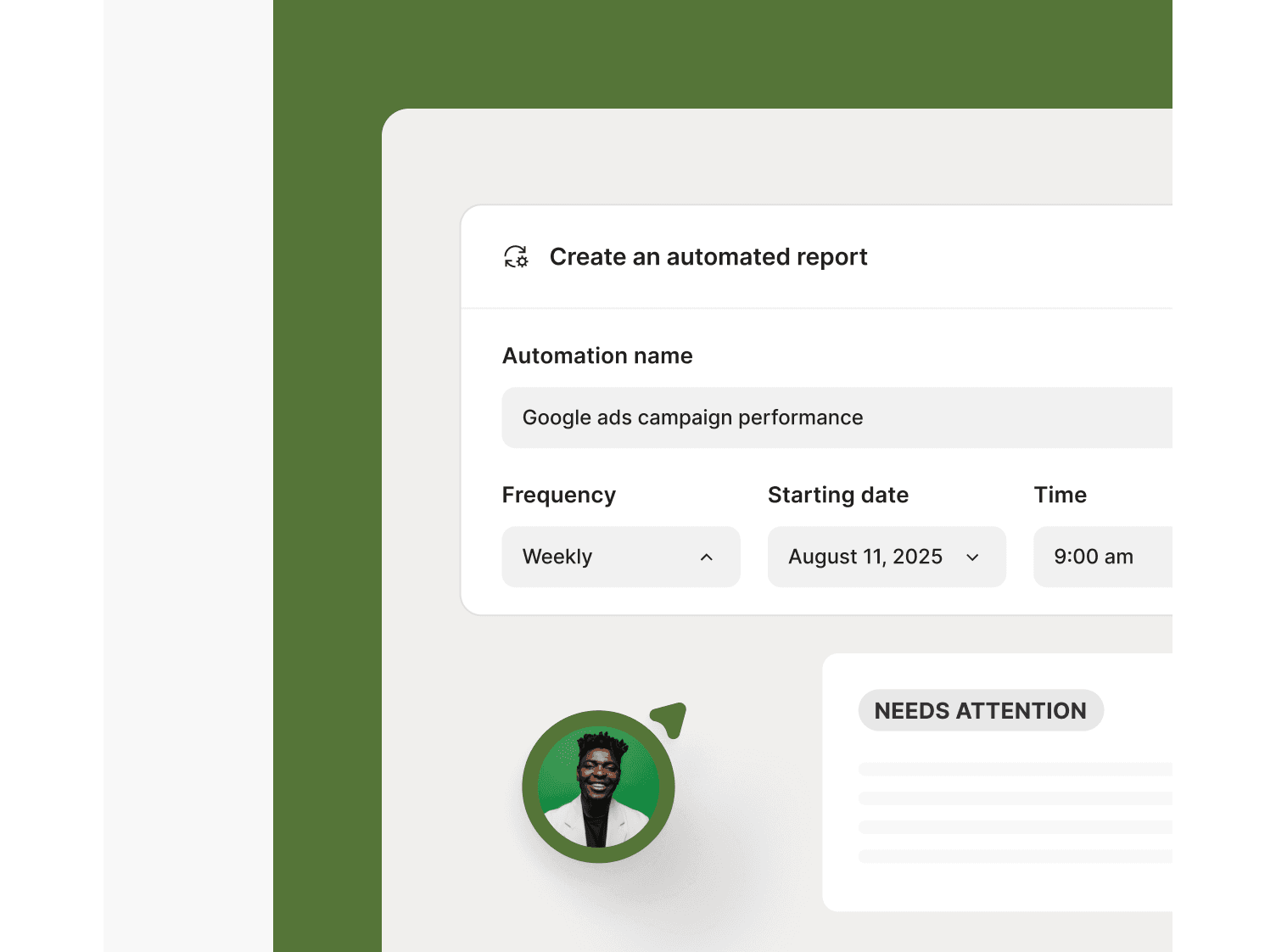
This approach moves you from one-off campaign production to a perpetual optimization cycle, where every data point fuels smarter, faster creative iteration.
Google rejects ads that don't meet specifications during the review process. Common rejection reasons include incorrect dimensions, oversized files or misleading content. Rejected ads won't serve until you correct the issues flagged in your account.
Google typically updates specifications several times per year, often alongside new campaign types or feature releases. Monitoring the official Google Ads Help Center keeps you current with the latest requirements.
While responsive formats adapt your assets automatically, you'll achieve better results by providing assets optimized for each placement. A single creative rarely performs as well as purpose-built variations tailored to specific formats and aspect ratios.
Responsive display ads automatically adjust their size and format based on available ad space. Static display ads are fixed-dimension images you upload in specific sizes. Responsive ads offer broader reach but less design control, while static ads give you pixel-perfect control but require more production work.
Common rejection reasons include images with excessive text, misleading claims, low-quality visuals, incorrect file formats and content that violates Google's advertising policies. Check the disapproval reason in your account for specific guidance on what to fix.
Let's put these insights into action. Build, scale, and automate campaigns with AI-powered workflows.
The Brief Team
Dec 20, 2025 - 12 min read

The Brief Team
Jan 9, 2026 - 11 min read


