
.webp%3Fw%3D1125%26fm%3Dwebp%26q%3D70%26fit%3Dmax&w=3840&q=70)
Creatopy is now The Brief.

Creatopy is now The Brief.
Marketing teams create hundreds of banners every month. The bottleneck isn't creativity — it's the repetitive production work that delays campaigns by up to 40%, turning a single campaign concept into dozens of sized, formatted and platform-ready assets.
An online banner design tool handles that production layer so you can focus on strategy. This guide covers how these tools work, the features that matter for marketing teams and how to maintain brand consistency when scaling banner creation across channels.
An online banner design tool is a web-based application that lets you create, customize and export digital banners directly in your browser. No desktop software, no installation, no steep learning curve. You'll also hear them called banner makers, banner creators or banner generators. They all do the same thing: help you design professional banners for websites, social media, display ads and email campaigns without needing a design degree.
The banners you can create typically fall into a few categories:
Creating a banner with an online tool follows a pretty straightforward workflow. Here's how most banner makers work, from start to finish.
Most banner makers offer pre-designed templates organized by platform or use case. Think "Facebook cover" or "leaderboard ad." You can also start by uploading your asset to an AI design generator, so it can create an ad design that fits with your asset.
Templates give you a head start. Blank canvases offer complete creative freedom. Prompting helps you get started fast.
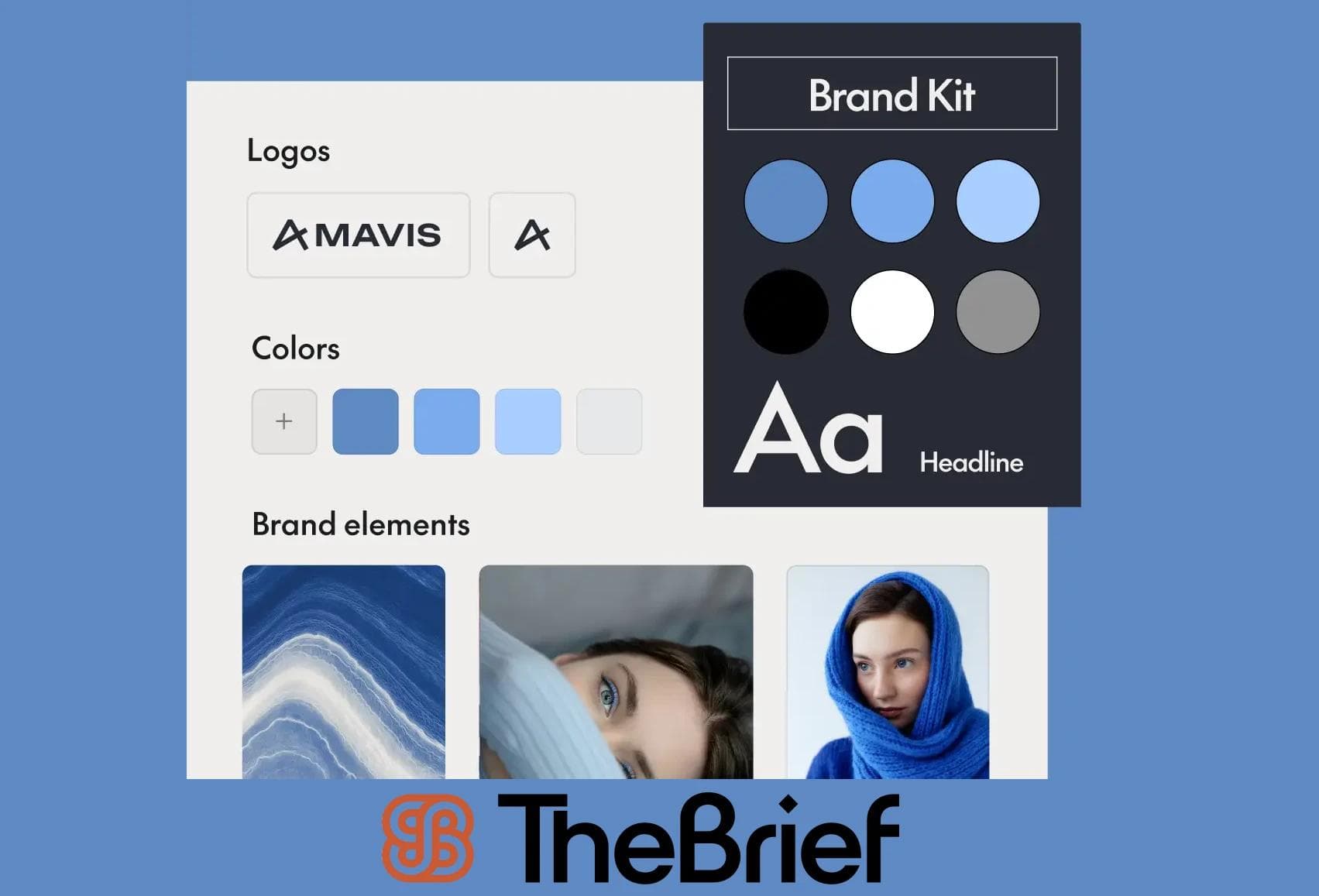
Before you start designing, upload your logos, fonts, images and brand colors. Some tools offer a brand asset library where you can store elements for easy access later. This keeps your team aligned and prevents the dreaded "which logo version is current?" conversation.
This is where the drag-and-drop editor comes in. Add headlines, body copy, images, icons and shapes by simply dragging them onto your canvas. Most tools make this intuitive enough that non-designers can create professional-looking banners without training.
Here's where modern banner makers really shine. Instead of manually recreating your banner for each platform, one-click resizing adapts your design to multiple dimensions automatically. One design becomes 10 banner sizes in seconds.
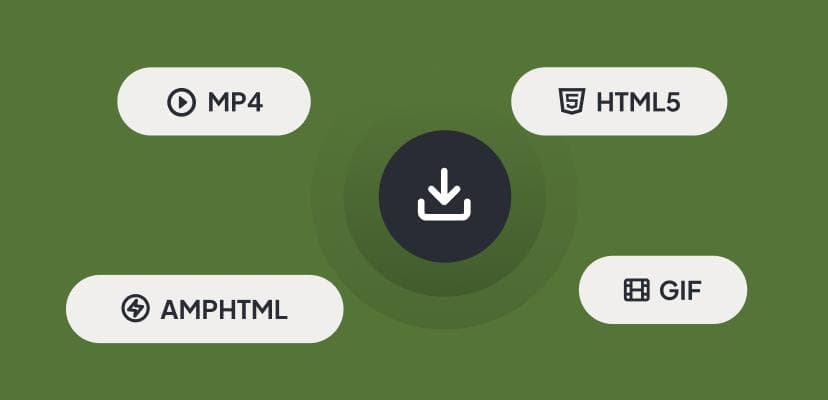
Export your finished banner in the format you need: PNG, JPG, GIF, MP4 or HTML5, depending on where it's going. Some tools even let you publish directly to ad platforms and social channels without downloading first.
Not all banner makers are created equal. Here are the features that separate basic image editors from tools built for marketing teams.
The drag-and-drop interface is what makes online banner creation accessible. You don't need to know Photoshop or write code. Just click, drag and arrange elements until your banner looks right. Or avoid clicks altogether and let AI compose your ads for you.
A centralized library stores your approved logos, fonts, colors and imagery in one place. Everyone on your team accesses the same current assets. No more hunting through email threads or shared drives.
This feature generates multiple banner sizes from a single design. Create once, resize everywhere. It eliminates the repetitive manual work that eats up hours during multi-channel campaigns.
Different channels require different file formats. Here's when to use each:
| Format | Best for |
|---|---|
| PNG | Static banners with transparency |
| JPG | Web banners and social media |
| GIF | Simple animated banners |
| MP4 | Video banners for social platforms |
| HTML5 | Interactive display advertising |
Hosting your ad campaigns within the ad platform gives you many added benifits. Say goodbye to file size limits, and once your campaign is rolling, you can make live updates to your design without interrupting or pausing your campaign.
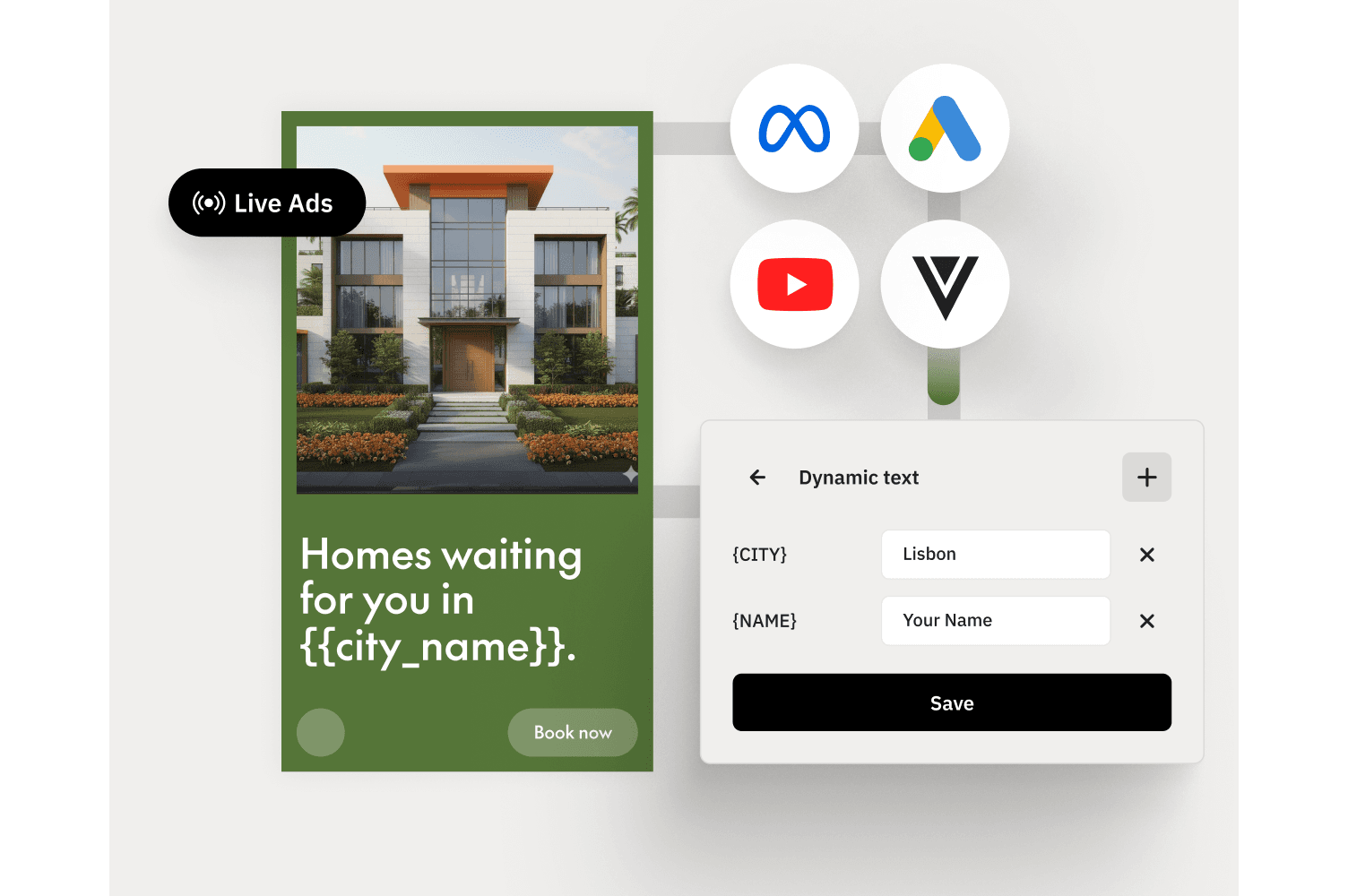
Artificial intelligence has changed what's possible with banner creation. AI handles the production tasks that used to slow teams down, so you can focus on strategy instead.
Describe your banner in plain language, and AI generates design options automatically. You might type "summer sale banner with beach vibes and bold typography" and get several layouts to choose from.
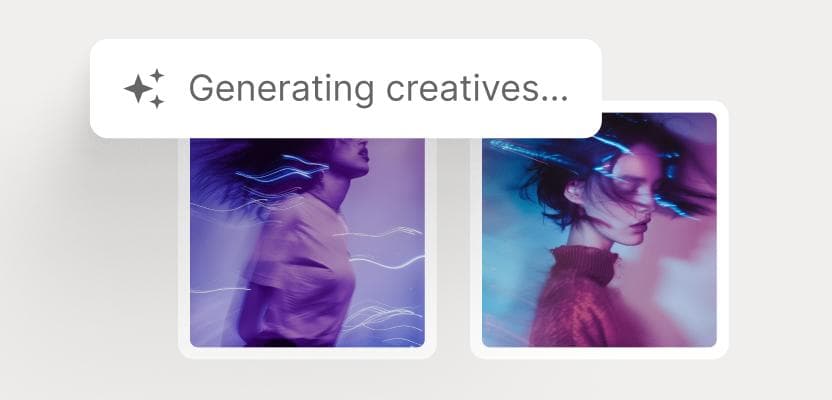
AI recommends optimal arrangements for text, images and graphic elements based on design best practices. The suggestions adapt to your selected banner size, so compositions work whether you're designing a leaderboard or a square social ad.
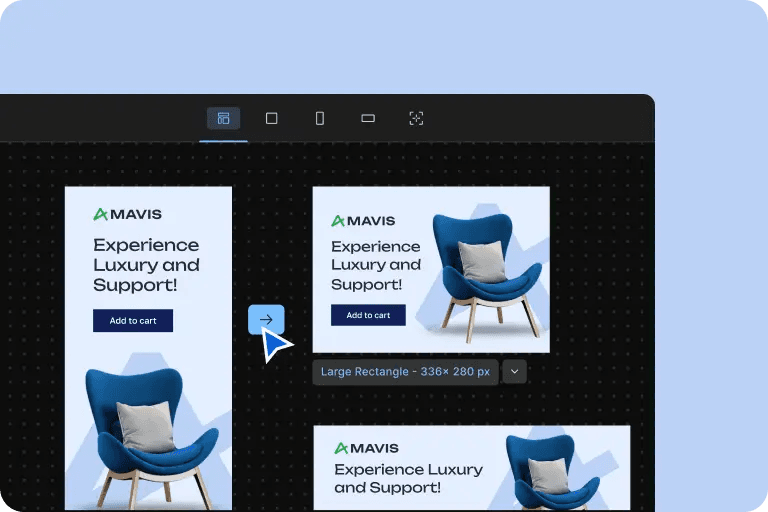
Features like AI object removal, image upscaling and photo animation polish your visuals without manual editing. Upload a product photo, and AI can create a compelling background and enhance the lighting in seconds.
Some tools generate headlines, calls-to-action and ad copy variations automatically, with AI users being 64% more productive. This is particularly useful for A/B testing. You can quickly produce multiple messaging approaches without writing each one from scratch.
Tip: The Brief's AI agents can generate banner variations at scale while keeping everything on-brand.
Templates save time and provide a starting point for your designs. Most online banner generators organize templates by channel, which makes finding the right one faster.
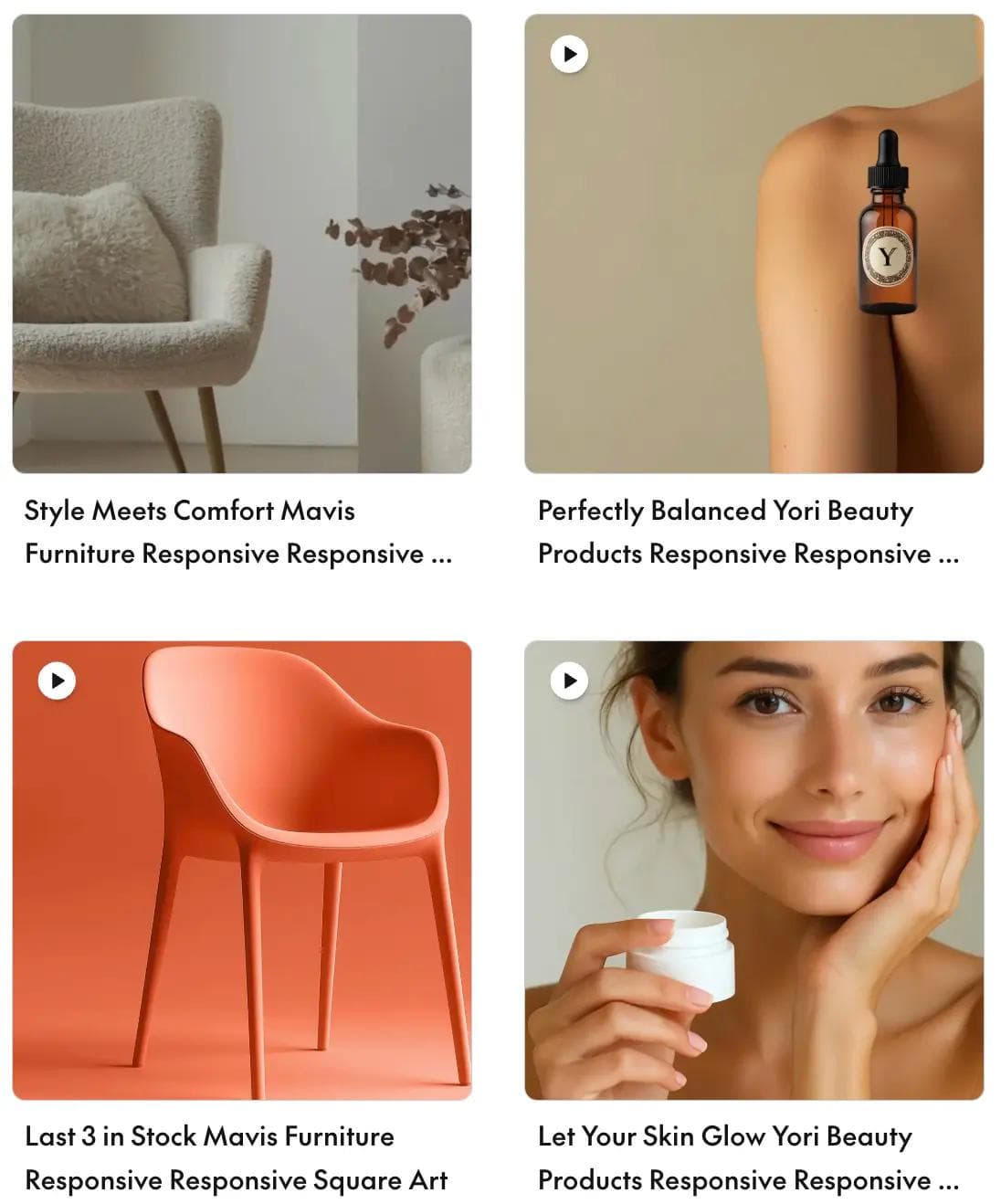
Find templates for Facebook covers, Twitter headers, Instagram story ads and TikTok. Each template is pre-sized for the platform's specifications, so you don't have to look up dimensions yourself.
YouTube banners display differently across devices, which makes sizing tricky. Templates designed for YouTube account for this. Your channel art will look right on phones, tablets and TVs.
Hero sections, promotional banners, sidebar ads and featured image headers all have different requirements. Templates give you properly sized starting points for each.
Display ad templates follow common ad sizes used in Google Display Network and programmatic advertising. Leaderboards, medium rectangles, skyscrapers. They're all covered.
Email templates are optimized to render consistently across Gmail, Outlook and mobile email apps. What looks great in your editor will look great in your subscriber's inbox.
Knowing the right dimensions for each platform saves time and prevents rejected ads. Here's a quick reference.
| Platform | Banner type | Dimensions |
|---|---|---|
| Cover photo | 820 × 312 px | |
| Company banner | 1128 × 191 px | |
| Twitter/X | Header | 1500 × 500 px |
| Story ad | 1080 × 1920 px |
The most common GDN sizes include leaderboard (728 × 90 px), medium rectangle (300 × 250 px), wide skyscraper (160 × 600 px) and large rectangle (336 × 280 px).
The Interactive Advertising Bureau (IAB) defines universal ad unit sizes used across display advertising. Following IAB standards ensures your banners work across ad networks and publishers without compatibility issues.
When multiple people create banners, brand consistency becomes a challenge. Consistent brands are 3.5 times more likely to have better brand visibility. Here's how to keep everything on-brand at scale.
Store approved logos, fonts, colors and imagery in one location. When assets update, everyone automatically uses the current versions. No more outdated logos appearing in campaigns.
Template locking lets designers create banner frameworks where non-designers can only edit specific elements. The headline and product image might be editable, while the logo placement and brand colors stay fixed.
Some tools flag or prevent off-brand colors, unapproved fonts or incorrect logo usage before banners are exported. This catches mistakes before they go live.
Relying on a single designer creates bottlenecks. Collaboration features let marketing teams create banners together efficiently.
Multiple team members can work on banners simultaneously and leave feedback directly on designs. No more email chains with attached screenshots and vague feedback like "make it pop."
Built-in review and approval processes route banners to stakeholders before publication. For regulated industries like pharma and finance, this is essential for compliance.
Administrators control who can edit templates, access brand assets or publish final banners. This protects brand integrity while enabling self-service creation across the team.
The strategic benefits add up quickly:
Modern banner design tools do more than create pretty images. They connect design to campaign performance. The Brief approaches banner creation as part of an intelligent marketing system, where every asset feeds into a larger loop of discovery, creation, launch and optimization.
Each campaign gets sharper. Each cycle takes less effort.
For a workflow that prioritizes both speed and strategic consistency, we recommend The Brief. This free banner maker excels by combining essential features like professional templates, centralized brand asset management, one-click resizing, AI integrations, and real-time team collaboration. Together, these capabilities transform the design process, enabling efficient, on-brand campaign-level production instead of time-consuming one-off creations.
Yes. The Brief offers templates pre-sized for Google Display Network and Meta ad placements, with export options formatted for each platform's specifications.
The Brief includes one-click resizing that automatically adapts your design to multiple dimensions. You create once and export to every size you need.
PNG and JPG work for static banners. GIF handles simple animations. MP4 is best for video ads on social platforms. HTML5 supports interactive display advertising with animation or dynamic content.
Running an A/B test in The Brief is a streamlined process designed for campaign-level efficiency. Simply select 2-5 creatives of the same size from your project, use the “Set up an A/B test” option, and name your campaign. Then, copy the unique ad tag The Brief generates and paste it into your Demand-Side Platform (DSP) within three days to launch. You can monitor real-time performance like CTR directly in the platform, and the test will automatically conclude when a creative reaches an 85% win probability—allowing you to optimize in real-time without ever manually downloading or re-uploading files.
Yes. The Brief allows multiple users to edit, comment and approve designs in real time within their Canvas. This reduces bottlenecks and eliminates version control issues.
A banner maker focuses on individual asset creation. A creative management platform, such as The Brief, connects banner design to campaign workflows, brand governance, team collaboration and performance optimization across the entire creative lifecycle.
Let's put these insights into action. Build, scale, and automate campaigns with AI-powered workflows.
.webp%3Fw%3D1500%26fm%3Dwebp%26q%3D70%26fit%3Dmax&w=3840&q=70)

Jenna Black
Dec 20, 2025 - 12 min read


