
.webp%3Fw%3D1125%26fm%3Dwebp%26q%3D70%26fit%3Dmax&w=3840&q=70)
Professional software to make banners: reviews and recommendations
PUBLISHED FEBRUARY 17TH 2026
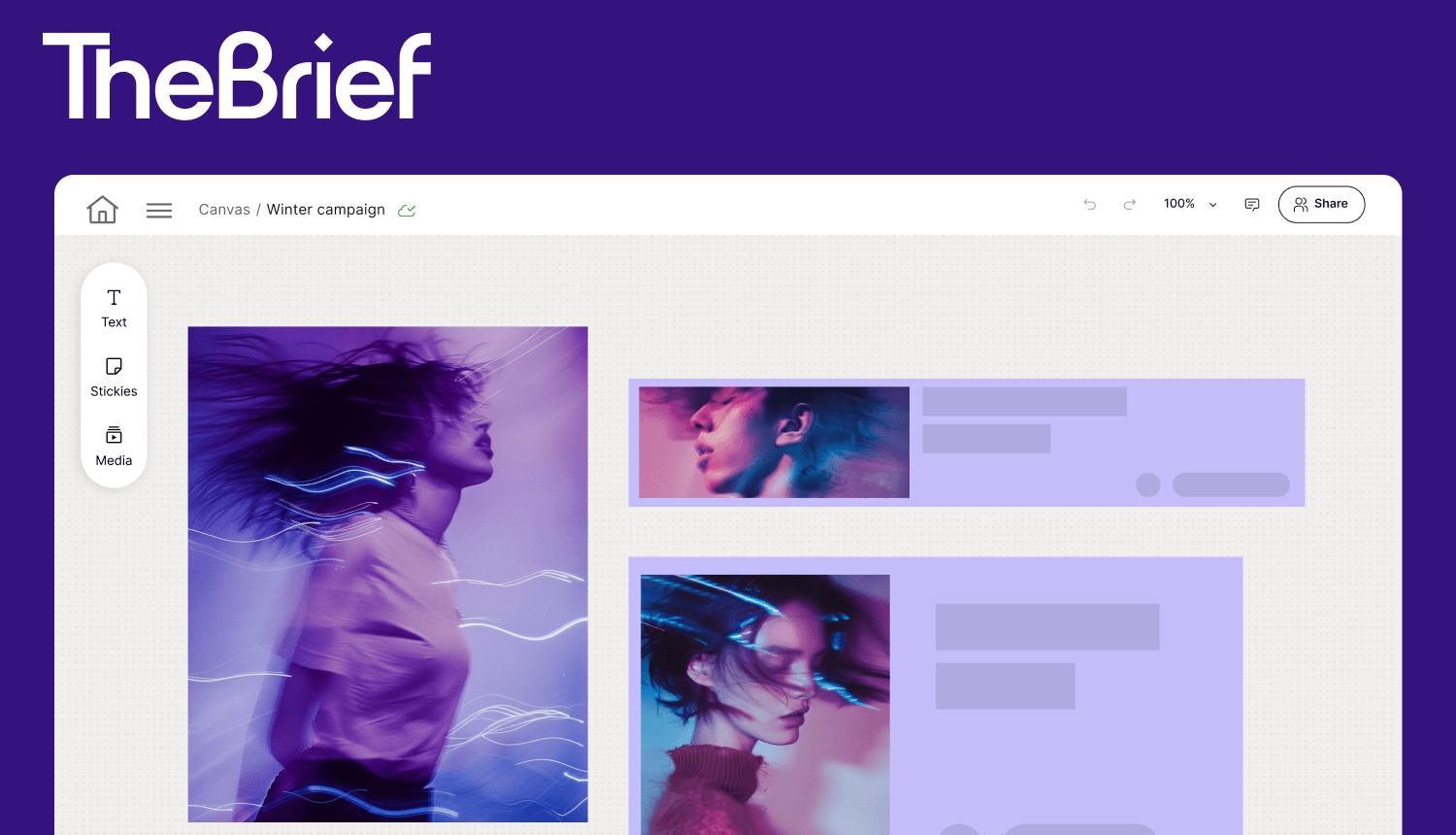
Banner software has come a long way from basic image editors. Today's tools range from simple drag-and-drop makers to AI-powered platforms that resize, version and publish banners across dozens of ad networks automatically.
This guide covers what to look for in banner design software, reviews the top options for marketing teams and walks through the workflow for creating professional banners at scale.
What is banner-making software?
Banner-making software is any digital tool that helps you design visual advertisements for websites, social media and display networks. Popular options range from user-friendly online tools like Canva and Adobe Express, which offer templates and drag-and-drop features, to professional design suites like Adobe Illustrator for vector graphics and enterprise platforms built for high-volume production.
The tool you pick depends on what you're making and how often you're making it. Someone creating a one-off YouTube header has different requirements than a marketing team producing hundreds of ad variations each month.
Here's what banner software typically creates:
- Display ads: Banners for Google Display Network, programmatic advertising and retargeting campaigns
- Social media banners: Headers and covers for LinkedIn, Facebook, YouTube and Instagram
- Website banners: Hero images, promotional banners and pop-ups
- Email headers: Visual headers for marketing campaigns and newsletters
Features to look for in banner design software
Not all banner makers work the same way. Some are built for quick, simple designs. Others are built for teams producing banners at scale across multiple campaigns and channels. The features below separate basic tools from professional-grade platforms.
AI-powered banner generation
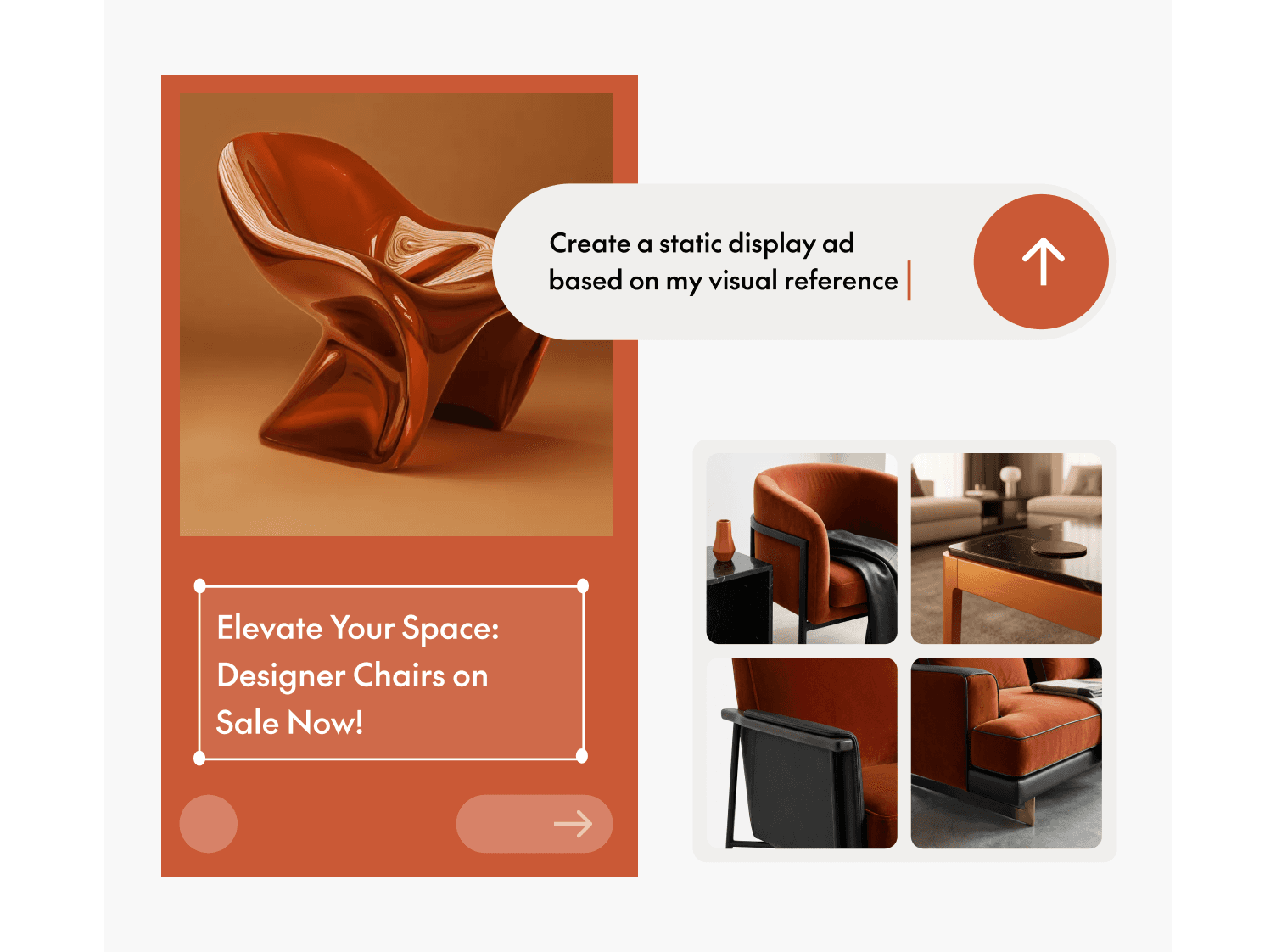
AI can generate banner designs from text prompts, suggest layouts and create copy variations automatically. You describe what you want, and the software produces multiple options to refine. For teams that produce high volumes of creatives, AI generation reduces the time spent on initial concepts, with AI-using teams reporting 44% higher productivity.
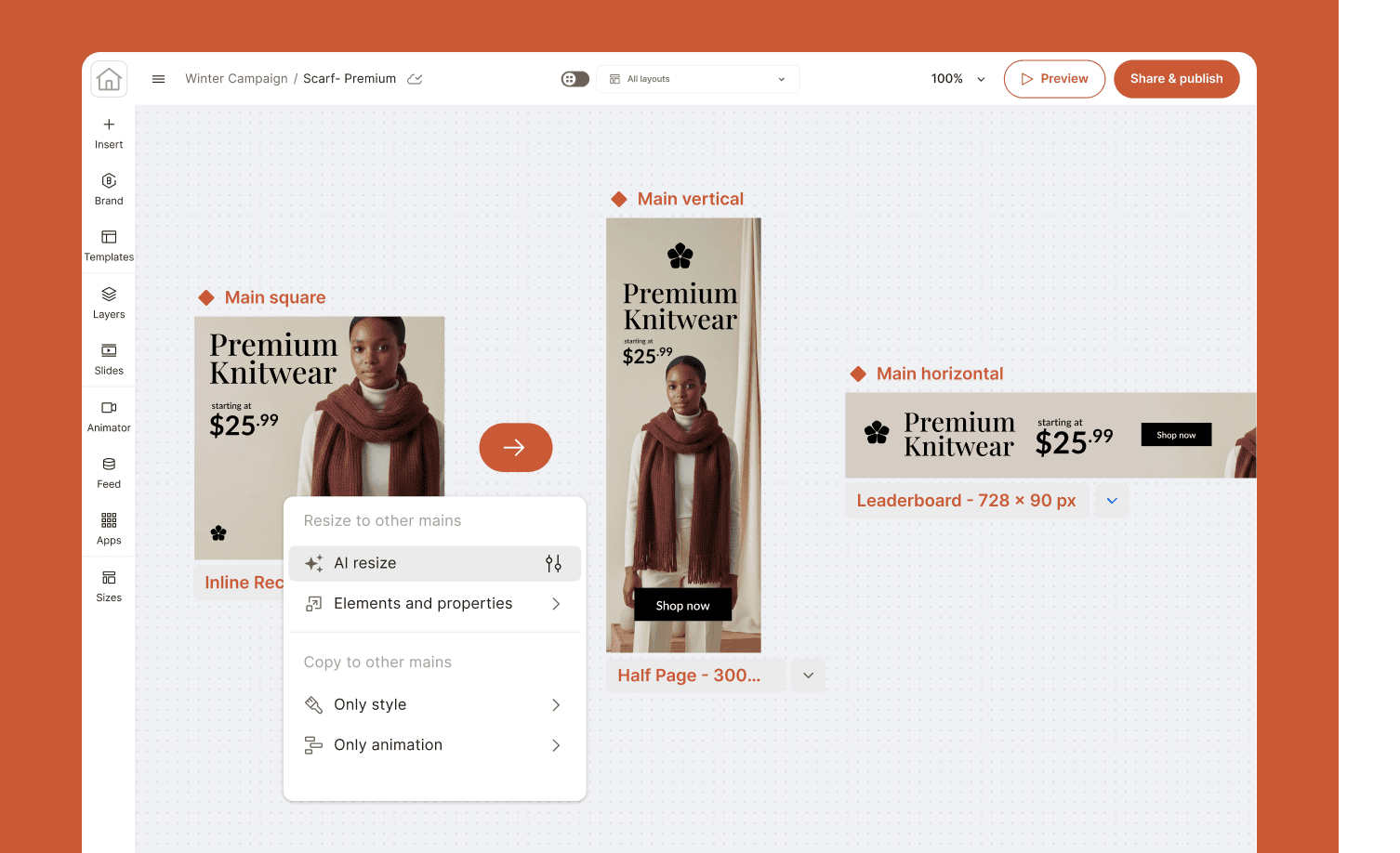
Automated multi-format resizing
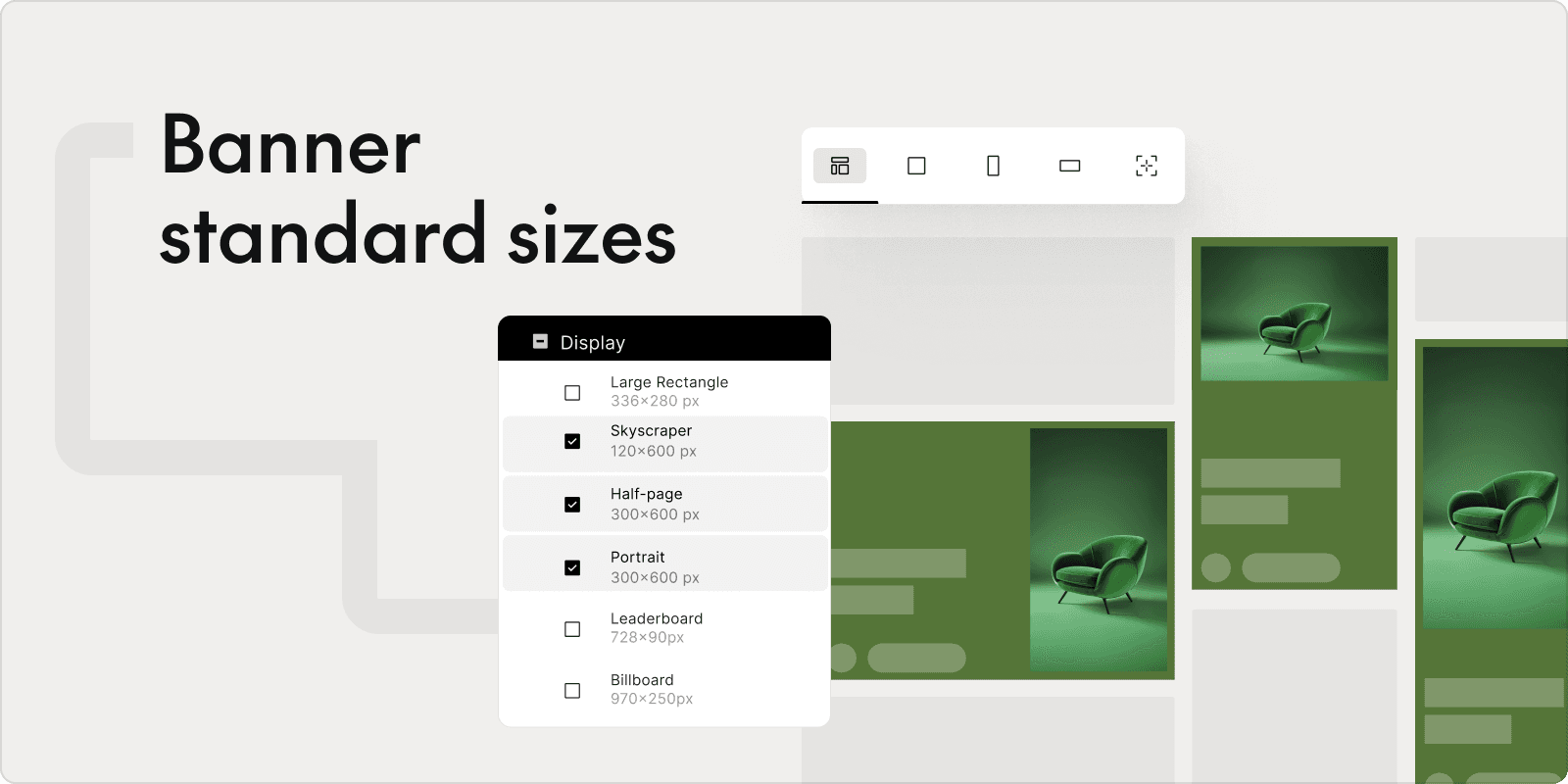
A single banner design often requires dozens of size variations: leaderboard (728x90), medium rectangle (300x250), skyscraper (160x600), mobile banner (320x50) and more. Professional tools resize one master design into all required formats automatically. Manual resizing, by contrast, can take hours for a single campaign, while WPP's data shows automated production delivers 50% to 70% time efficiency gains.
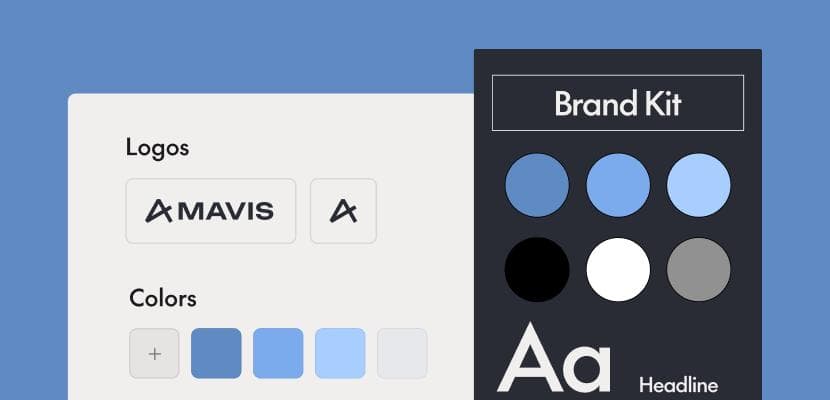
Brand asset management
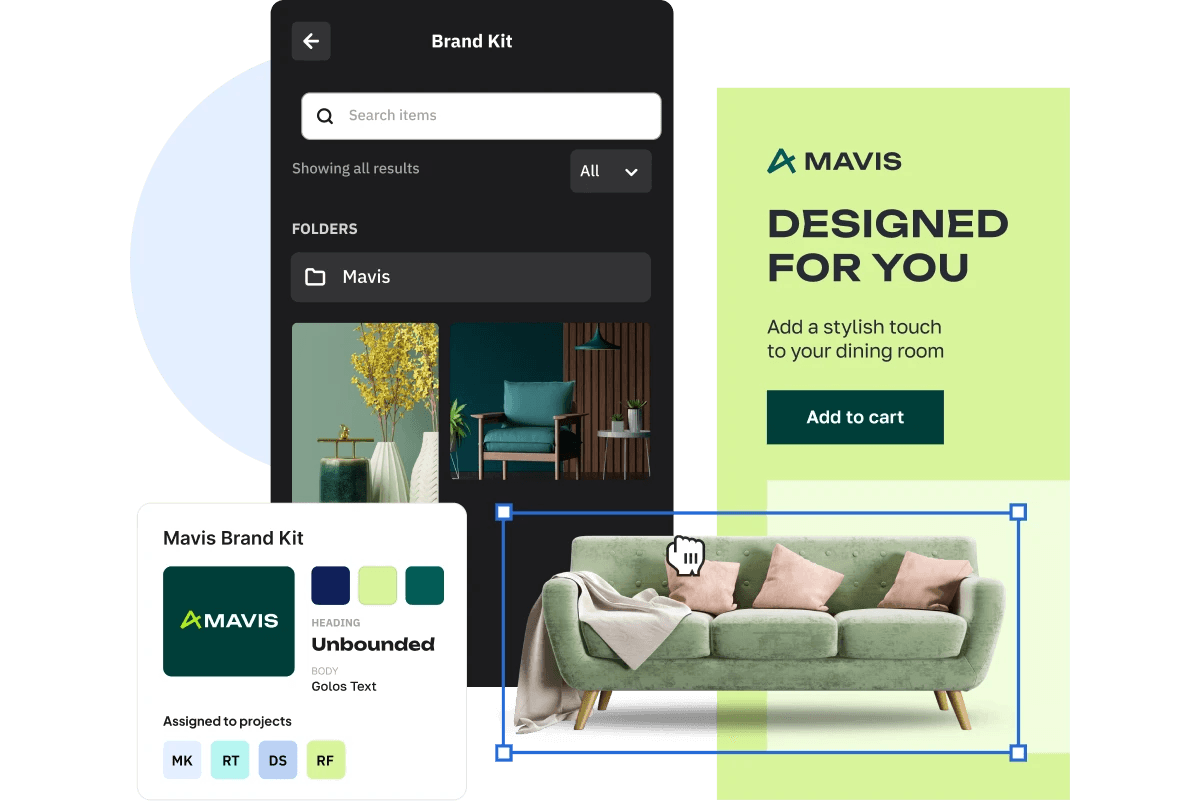
Centralized brand libraries store logos, fonts, color palettes and approved imagery in one place. Instead of hunting through folders or Slack threads for the "right" logo file, teams pull directly from a shared library. Every banner stays consistent without extra effort.
Customizable banner templates
Pre-built templates speed up production while still allowing customization. Smart templates go further by locking certain brand elements, like logo placement or font choices, while allowing edits to headlines, images and CTAs. Non-designers can create on-brand banners without accidentally breaking brand guidelines.
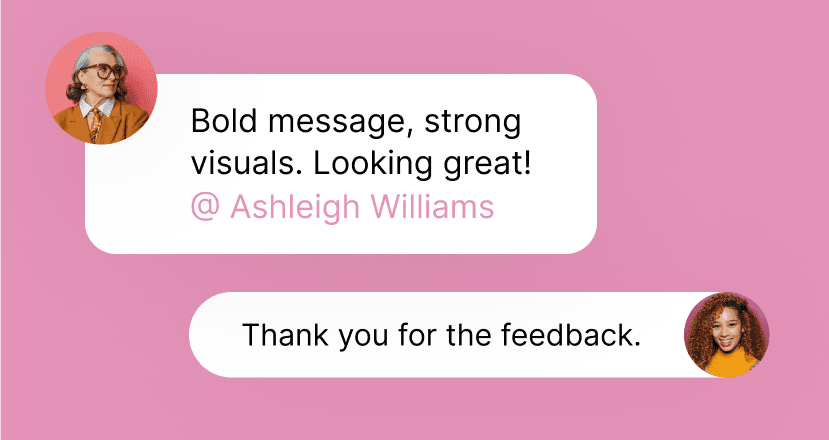
Team collaboration and approval workflows
Real-time co-editing, commenting, version history and approval routing keep everyone aligned. For regulated industries like pharma or finance, built-in approval workflows help maintain compliance without endless email chains or spreadsheet tracking.
Ad platform integrations
Direct connections to Google Ads, Meta, LinkedIn and programmatic platforms allow one-click publishing. Banners go straight from design to live campaign without manual exports, downloads and uploads.
| Feature | Free tools | Professional banner software |
|---|---|---|
| Basic templates | ✓ | ✓ |
| AI-powered generation | Limited | Advanced |
| Automated resizing | Manual | One-click |
| Brand asset management | Basic | Centralized library |
| Approval workflows | ✗ | Built-in |
| Ad platform integrations | Limited | Direct publishing |
Best banner software for marketing teams
Here's a look at banner design tools suited for professional marketing teams. Rather than listing every feature, we'll focus on what makes each unique and who benefits most.
The Brief
The Brief is an AI marketing platform built by marketers that automates banner production as part of a connected campaign workflow. AI agents handle resizing, versioning and creative optimization, so teams spend less time on production and more time on strategy. The platform connects banner creation to the full campaign lifecycle, from discovery through optimization, making it a fit for enterprise teams managing high-volume, multi-channel campaigns.
Canva
Canva is an accessible, template-rich design tool known for its ease of use. It works well for smaller teams or individuals who want quick, visually appealing banners without a steep learning curve. However, Canva can become limiting for enterprise-scale production where automation and brand governance matter.
Adobe Express
Adobe's streamlined banner maker includes generative AI features and integrates with the broader Adobe ecosystem. It's useful for one-off banner creation, though less suited for high-volume automated production across multiple campaigns.
Celtra
Celtra is an enterprise creative automation platform focused on ad production at scale. It's strong in dynamic creative optimization but typically requires more technical setup and onboarding than lighter-weight alternatives.
Bannerflow
Bannerflow specializes in display banner production and campaign management. It's known for HTML5 banner creation and ad serving capabilities, making it a solid choice for teams focused specifically on display advertising.
BannerBoo
BannerBoo offers a straightforward banner design experience with a large template library. It's suitable for teams prioritizing simplicity over advanced automation features.
How to create banners with design software
Regardless of which tool you choose, the workflow for creating professional banners follows a similar pattern. Here's how it typically works, step by step.
1. Define your campaign goals and banner specifications
Start with platform requirements: dimensions, file size limits and accepted formats. A banner for Google Display has different specifications than one for LinkedIn. Knowing requirements upfront prevents rework later.
2. Choose a template or start from scratch
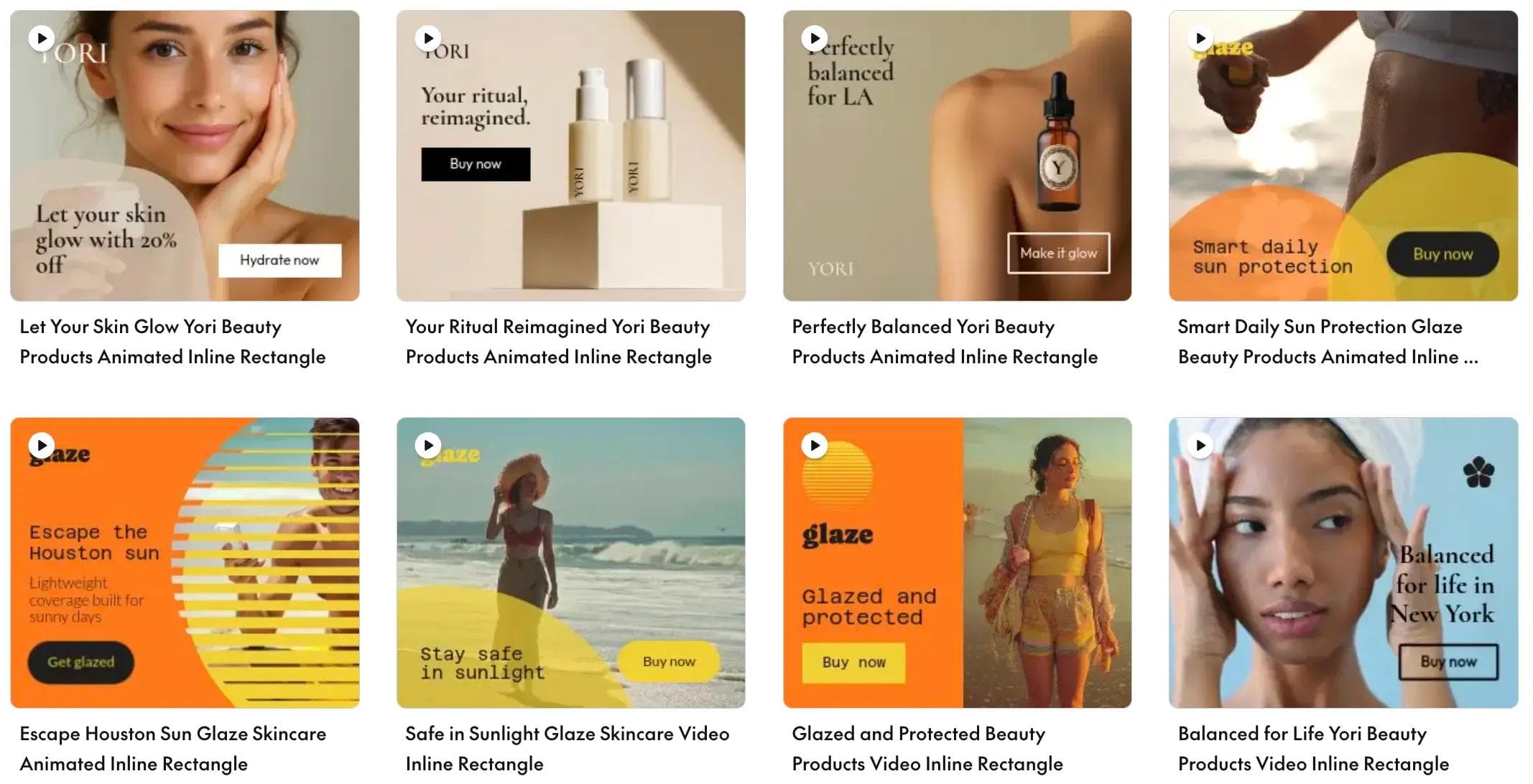
Templates offer speed and consistency. Starting from scratch makes sense for unique creative concepts. Smart templates can offer both: a structured starting point with room for customization.
3. Customize with brand assets and copy
Add logos, imagery, headlines and CTAs. Pulling from a centralized brand library, rather than hunting through folders, keeps everything consistent and saves time.
4. Generate size variations for every platform
Automated resizing creates all required formats from a single master design in seconds. Manual resizing, on the other hand, can take hours for a single campaign with multiple placements.
5. Review, approve and export your banners
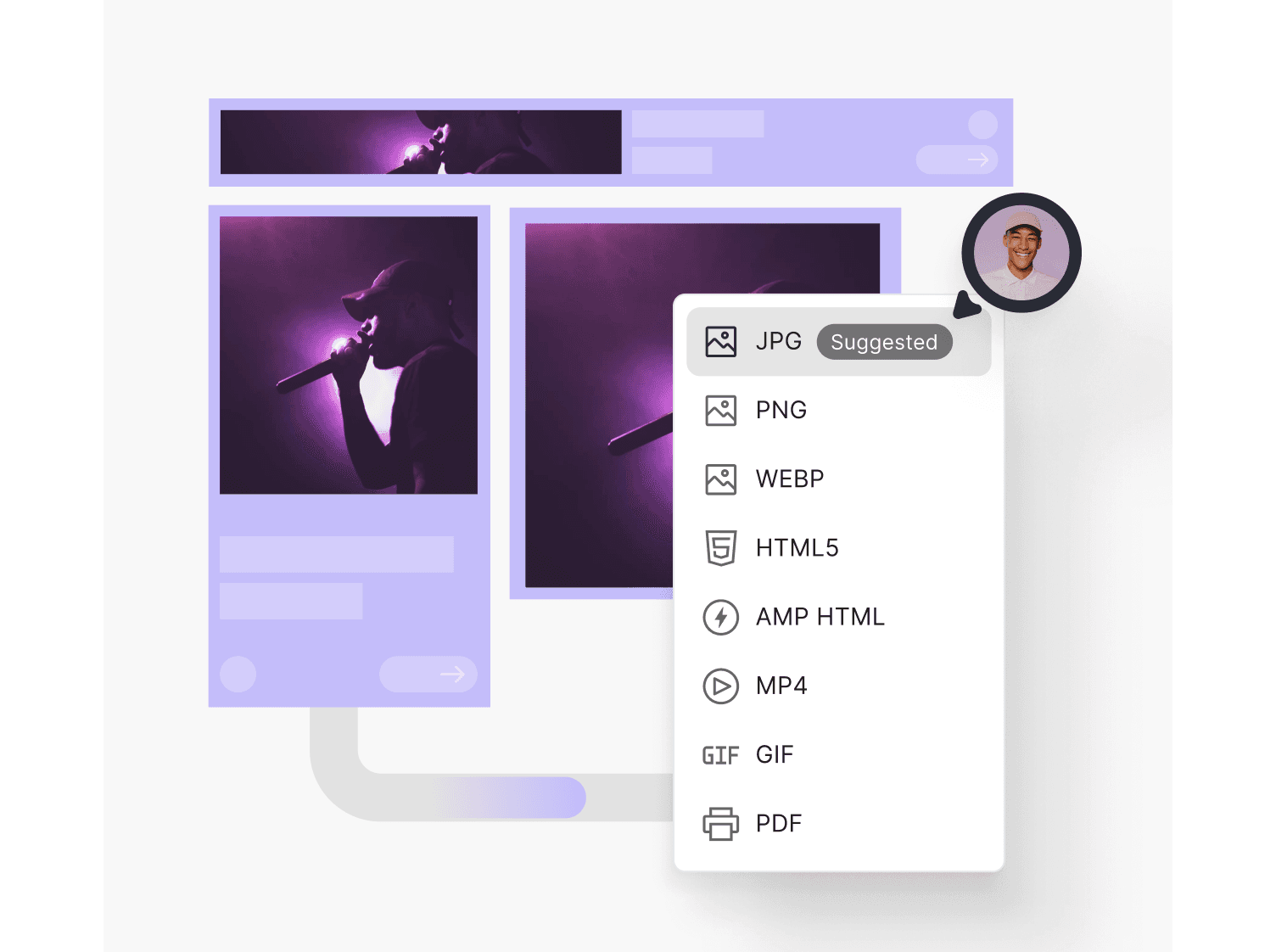
Run through your approval process, export in the correct formats (JPG, PNG, GIF or HTML5) and publish directly to ad platforms where integrations exist.
Who benefits from professional banner software?
Different roles gain different value from banner design tools. Here's how to think about who benefits most.
Performance marketing teams
Performance marketers run constant experiments. The faster they can produce and test banner variations, the faster they learn what works. Speed and volume are critical for optimizing campaign performance.
Creative operations managers
Ops leaders benefit from workflow automation, brand governance and reduced bottlenecks. The goal is smooth production without constant designer intervention on routine tasks.
E-commerce and retail brands
High SKU counts, frequent promotions and seasonal campaigns require banner production at scale. Dynamic creative capabilities, where banners automatically update based on product feeds, are especially valuable for retail.
Agencies and multi-brand organizations
Managing multiple client brands with strict separation, rapid turnaround and demonstrable efficiency gains requires robust collaboration and approval workflows. Agencies often juggle dozens of brands simultaneously.
Why professional banner tools outperform free alternatives
Free tools like Canva's free tier work well for occasional, one-off banners with simple requirements. But the hidden costs add up quickly when you're producing banners at volume.
Consider what happens without professional tools:
- Manual resizing: Hours spent creating the same banner in 15 different sizes
- Version control chaos: Files named "final_final_v8" scattered across folders
- Brand inconsistency: Off-brand colors, wrong logos and inconsistent fonts
- No integrations: Manual exports, downloads and uploads for every campaign
Professional tools pay for themselves through time saved, with businesses seeing an average $5.44 return for every $1 spent on marketing automation. When your team spends hours on production tasks that software can automate, that's strategic time lost.
Scale your banner production without scaling your team
The right banner software isn't just about making banners. It's about reclaiming time for strategic, creative work.
AI-powered platforms automate the repetitive production tasks: resizing, versioning and format exports. Marketing teams can then focus on what humans do best, which is strategy, storytelling and creative ideation. Instead of drowning in production work, your team can spend time on the ideas that actually move campaigns forward.
Frequently asked questions about banner software
What file format is best for digital banner ads?
PNG and JPG work for static banners, with PNG preferred for graphics with transparency. HTML5 is the standard for animated display ads on most advertising networks.
What are the standard sizes for display banner ads?
Common sizes include leaderboard (728x90), medium rectangle (300x250), skyscraper (160x600) and mobile banner (320x50). Requirements vary by ad platform, so always verify specifications before designing.
Can banner design software create animated HTML5 ads?
Professional banner software typically supports HTML5 animation, allowing you to create engaging animated ads without coding. Free tools often limit you to static images or basic GIF exports.
How much does professional banner-making software cost?
Pricing varies widely based on features, team size and production volume. Most professional platforms offer tiered pricing or custom enterprise plans based on usage.
Do I need design experience to use a banner maker?
Most modern banner software is designed for non-designers. Templates, drag-and-drop editors and AI assistance make professional-quality banners accessible to marketing teams without formal design training.
7 days free on us
Let's put these insights into action. Build, scale, and automate campaigns with AI-powered workflows.
You may also like
.webp%3Fw%3D1500%26fm%3Dwebp%26q%3D70%26fit%3Dmax&w=3840&q=70)

The state of ad creation 2026: AI, creative trends and performance data from The Brief
The Brief Team
Dec 20, 2025 - 12 min read