

The state of ad creation 2026: AI, creative trends and performance data from The Brief
Jenna Black
Dec 18, 2025 - 12 min read
Creatopy is now The Brief.

A banner design tool is software that helps you create visual graphics for ads, websites and social media — and AI-powered versions take it further by generating designs from prompts, auto-resizing for every platform and enforcing brand consistency automatically.
This guide covers how AI banner makers work, what features matter most and how teams use them to produce on-brand creatives at scale without bottlenecking designers.
A banner design tool is software that lets you create visual graphics for ads, websites and social media. You've probably seen options like Canva, Adobe Express and Piktochart. They work well for basic design, but they rely on you to do everything manually: pick templates, drag elements around, resize for each platform.
AI-powered banner makers work differently. Instead of starting from a blank canvas, you give the tool a prompt or campaign brief, and it generates designs for you. From there, you can edit, adjust and refine. The AI handles the repetitive production work while you focus on the creative direction.
Here's what sets AI banner generators apart:
The result is faster production without sacrificing quality or brand consistency.
The workflow for creating banners with AI is simpler than traditional design. You'll move from idea to finished creative in minutes, not hours.
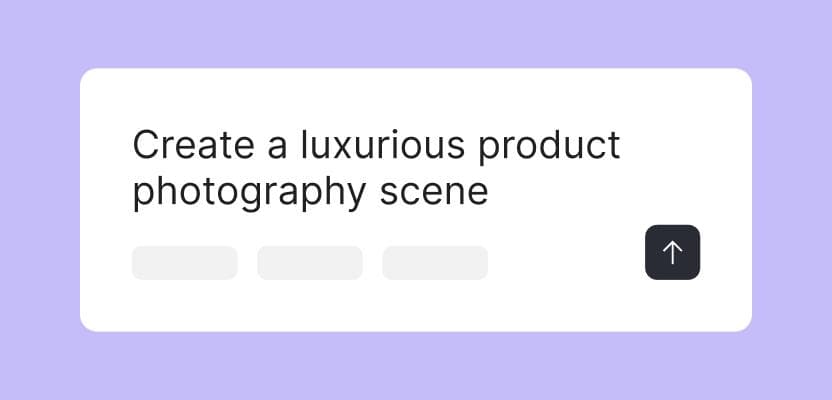
First, input your campaign goals and key messaging. This could be a detailed brief or a simple text prompt like "summer sale banner for Instagram with blue tones." The AI uses this context to generate relevant designs. More specific inputs lead to more useful outputs.
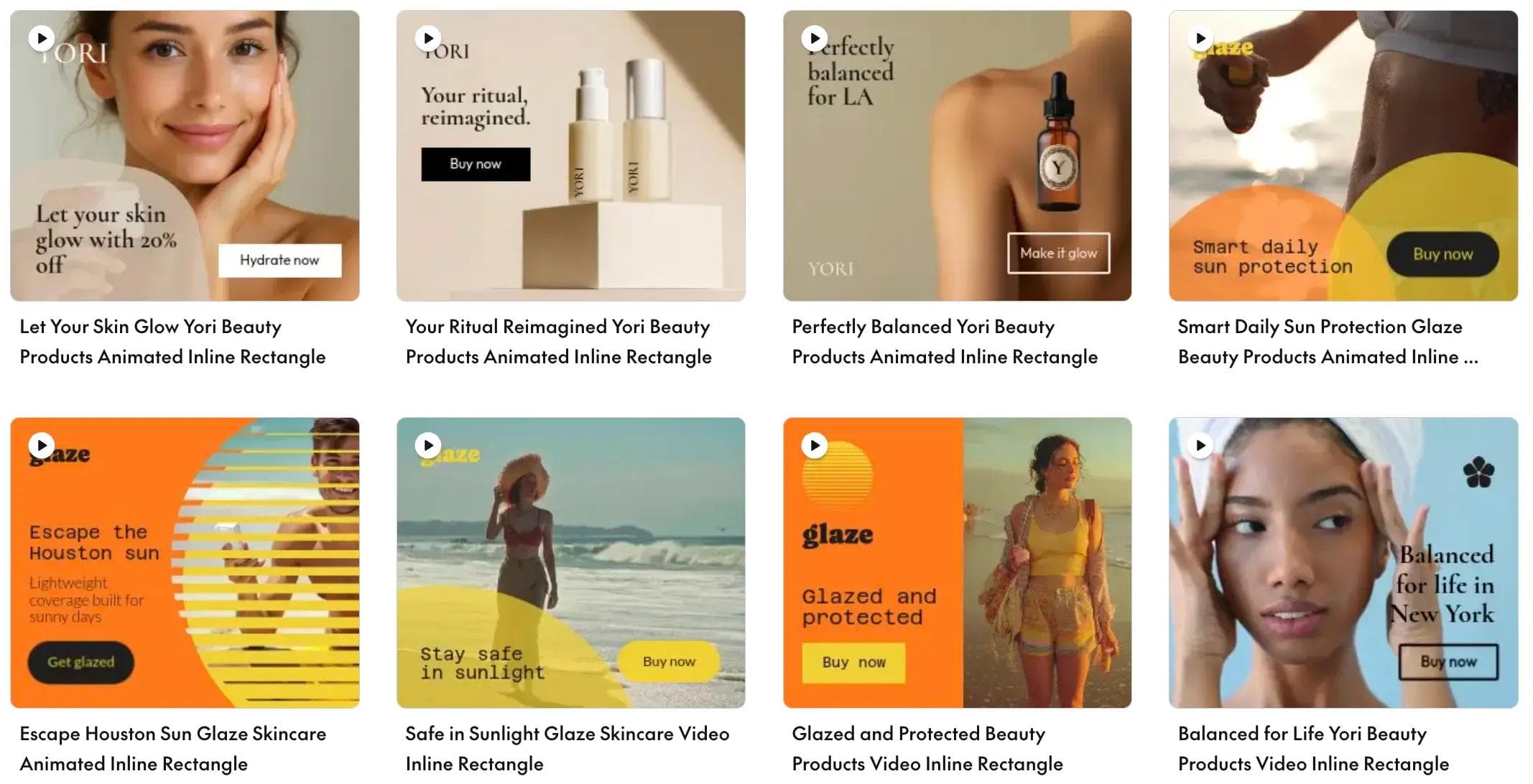
Next, you can choose from templates that already follow your brand guidelines, or let the AI banner generator create something custom. Either approach pulls from your approved assets automatically, so you're not hunting for the right logo file or hex code.
Once you have a starting point, the editing begins. Most AI banner makers include drag-and-drop functionality. Swap images, tweak headlines, adjust layouts. You can also upload assets to a centralized library so your team always has access to approved materials.
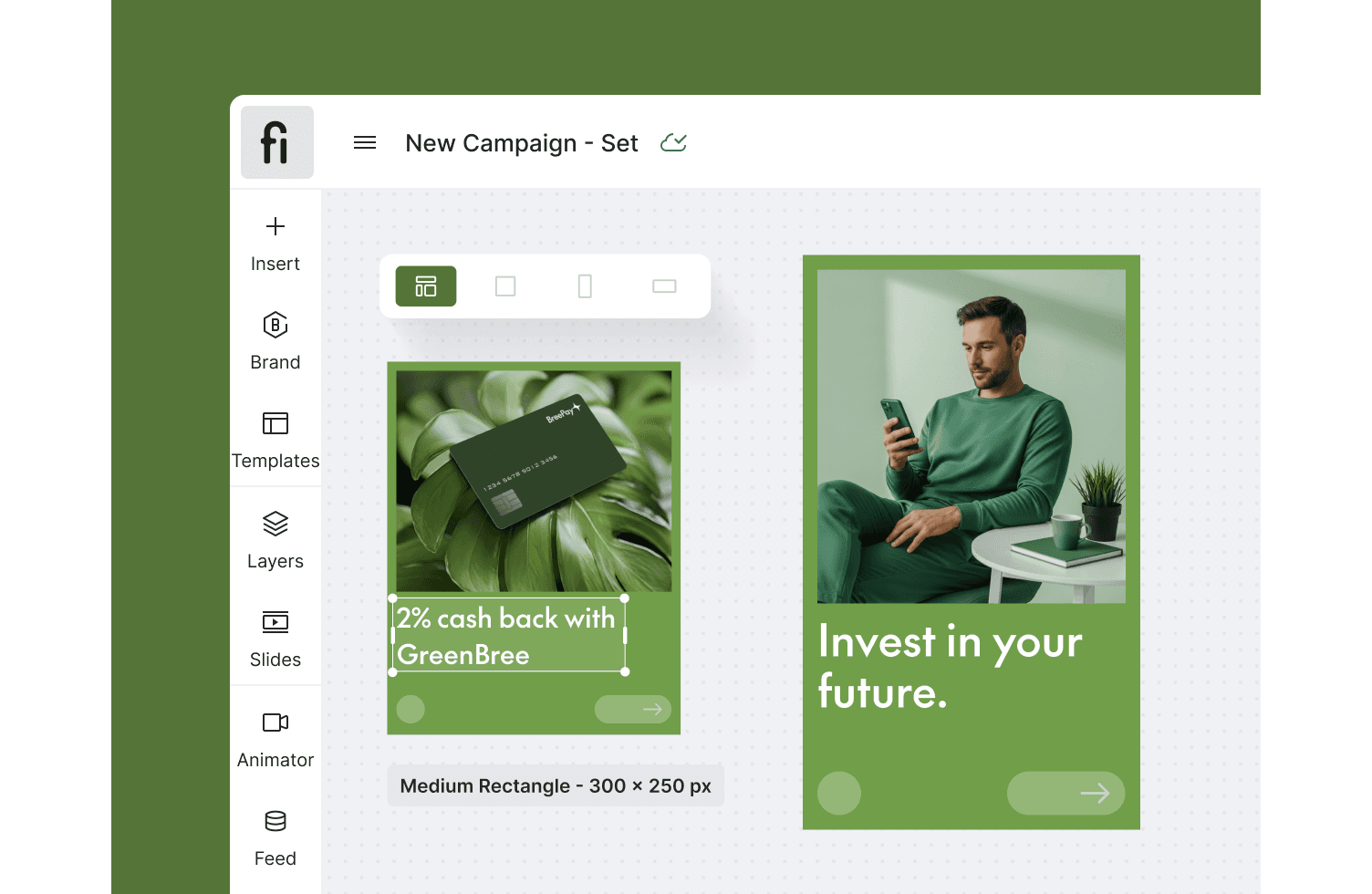
This step is where AI saves the most time. One click adapts your design to multiple dimensions: social headers, display ads, email banners, website graphics. No more recreating the same banner 15 times for different platforms.
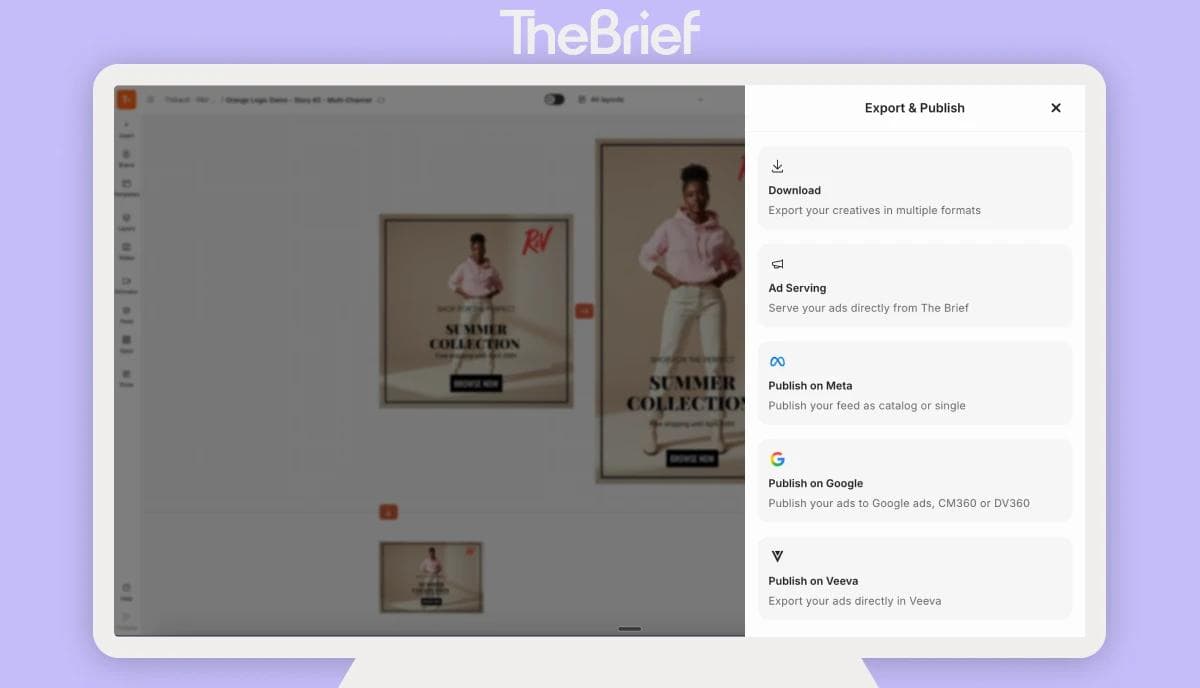
Finally, export in the format you need. Common options include PNG, JPG, HTML5 and GIF. Some platforms, like The Brief, let you publish directly to ad networks without leaving the tool, which cuts out manual uploads entirely.
Not all banner design tools offer the same capabilities. When evaluating options, focus on features that reduce manual work and protect brand consistency at scale.
The ability to generate banners from prompts, product feeds or campaign briefs is the core differentiator. This feature reduces reliance on designers for every request and speeds up production significantly.
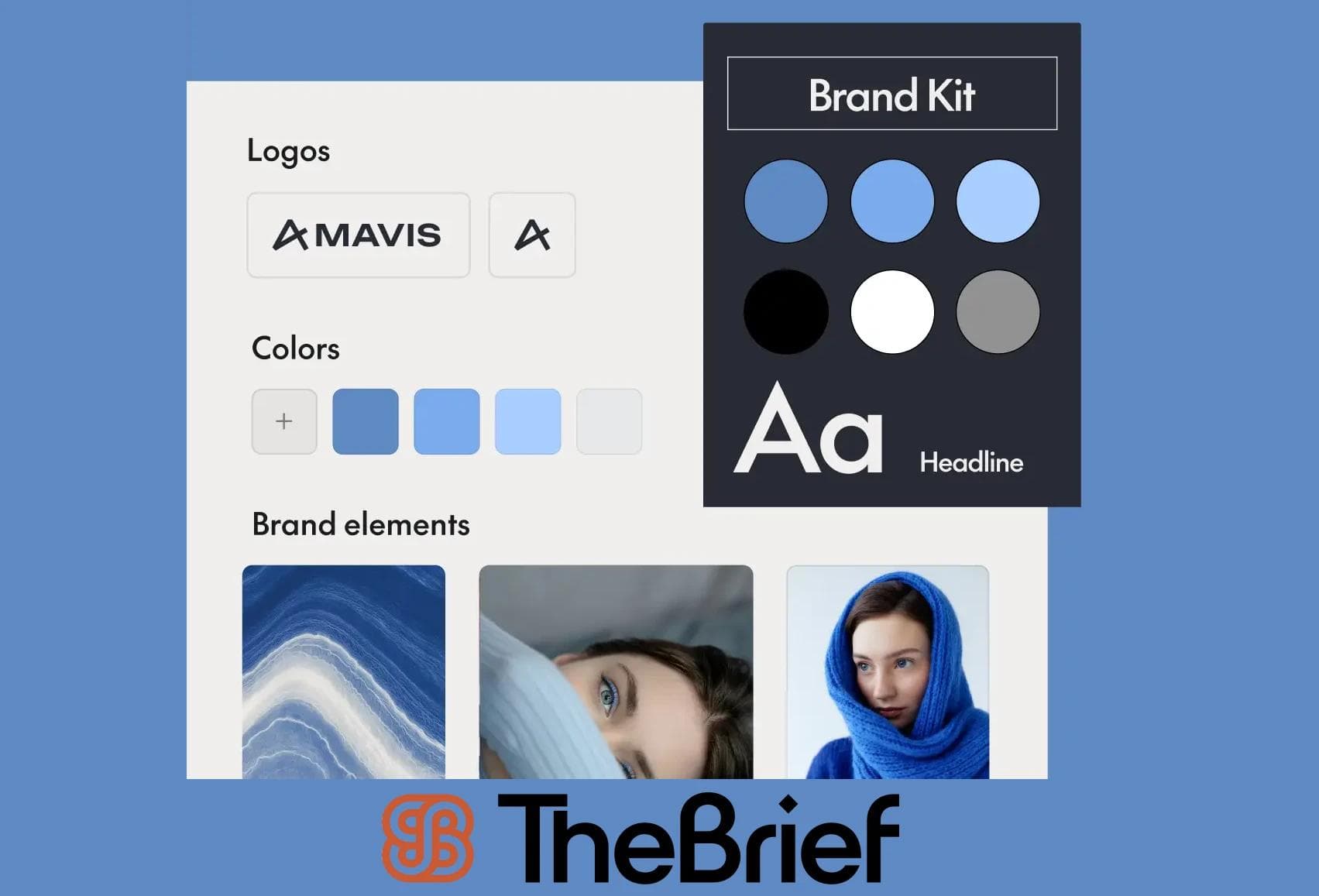
Templates that enforce brand guidelines automatically prevent off-brand creatives from slipping through. Look for locked fonts, colors and logo placement, plus a centralized asset library where your team can access approved materials.
Resizing a single design into dozens of ad dimensions without manual adjustments is essential for programmatic and multi-platform campaigns. This feature alone can save hours per campaign cycle.
Real-time collaboration, commenting, version control and approval routing matter for larger teams. If you're in a regulated industry like pharma or finance, built-in compliance workflows become especially important.
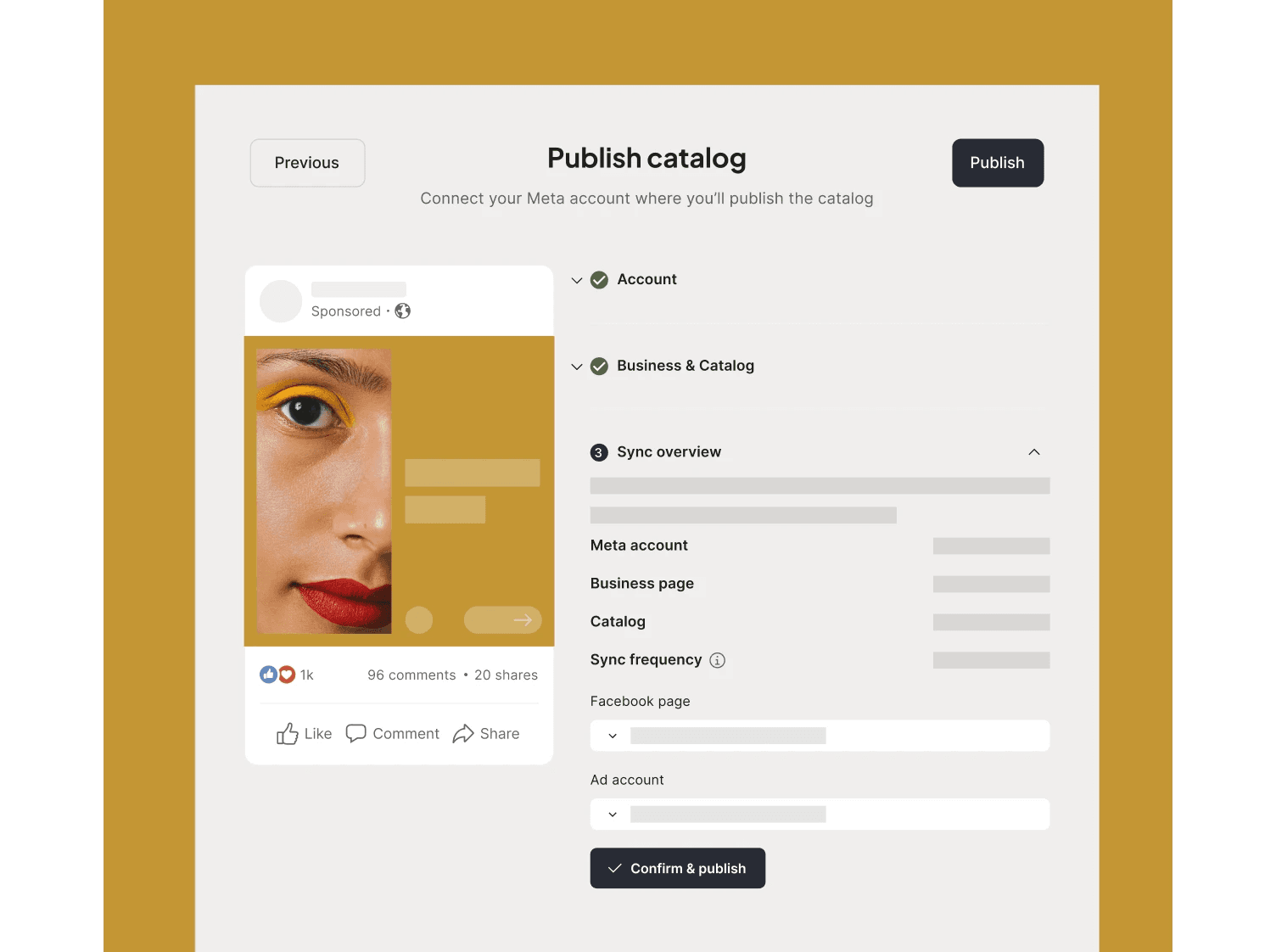
Exporting directly to Google Ads, Meta, LinkedIn and programmatic networks eliminates manual uploads and reduces errors. Fewer handoffs mean faster launches and less room for mistakes.
A good banner design tool handles more than one format. Here's what you can typically produce:
Standard IAB ad units for Google Display Network, programmatic exchanges and retargeting campaigns. Display banners are the workhorses of digital advertising, and you'll often create dozens of size variations for a single campaign.
Facebook covers, LinkedIn banners, X/Twitter headers, YouTube channel art and TikTok ads all have specific dimension requirements. A capable banner maker handles all of them from a single design.
Homepage heroes, landing page banners, sidebar promotions and pop-up graphics often require quick turnaround for seasonal campaigns or flash promotions. Having a fast production workflow makes a real difference here.
Newsletter headers, promotional email graphics and transactional email banners help maintain visual consistency across touchpoints. When your email banners match your website and ads, brand recognition improves.
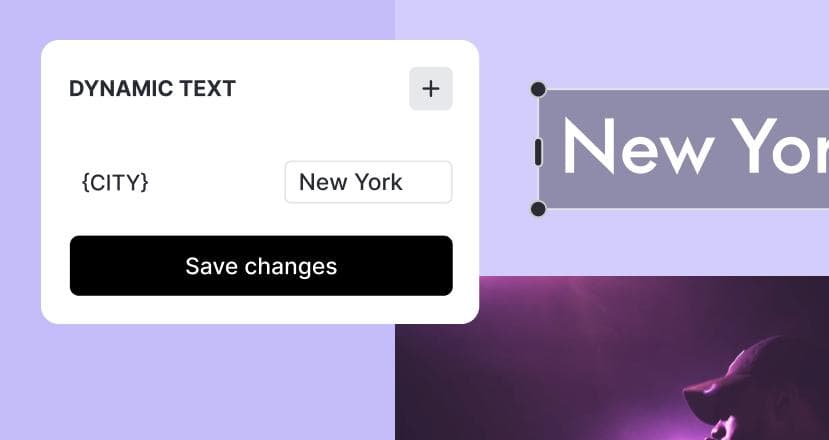
Data-driven banners pull product images, prices and offers from feeds for personalized retargeting. E-commerce and retail brands running large catalogs find this capability particularly valuable.
The gap between manual design software and AI-powered banner makers comes down to speed, scale and accessibility. Here's how they compare:
| Capability | Traditional design tools | AI banner generators |
|---|---|---|
| Design skill required | High | Minimal |
| Time to create one banner | Hours | Minutes |
| Multi-format resizing | Manual per size | One-click automation |
| Brand consistency | Relies on designer discipline | System-enforced |
| Variant creation for testing | Time-intensive | Batch generation |
Traditional tools like Photoshop require significant design expertise. Even Canva, while more accessible, still involves manual work for each size and variation. AI-powered banner makers democratize creation. Marketers can produce on-brand assets without waiting in the design queue, and designers can focus on higher-value creative work.
Producing high volumes of banner variants without proportionally increasing effort is where AI-powered platforms deliver the most value. Here's how teams approach scale:
Connect product catalogs or data feeds to automatically generate banners for each SKU, offer or location. E-commerce and retail brands often have thousands of products. Manual creation simply doesn't work at that volume.
Generate banners in multiple languages with region-specific imagery and compliance requirements. Multi-market brands can launch simultaneously across regions without duplicating effort or managing separate production workflows.
Produce multiple creative variations with different headlines, images and CTAs for A/B testing. More variants mean more data, which leads to smarter optimization. AI makes variant creation fast enough that testing becomes practical rather than aspirational.
Brand governance gets harder as teams scale. The right banner design tool enforces consistency automatically, so you're not relying on individual discipline.
The Brief enforces brand guidelines system-wide. Teams can create without risking brand dilution, even when non-designers are producing assets. This is especially valuable for enterprise teams managing multiple markets or product lines.
Free online banner makers work well for small projects and individuals. Enterprise platforms serve teams running campaigns at scale. The right choice depends on your volume and complexity.
| Factor | Free banner makers | Enterprise platforms |
|---|---|---|
| Cost | Free or freemium | Subscription-based |
| Template variety | Large library | Customizable brand templates |
| Brand controls | Limited | Full governance and locking |
| Collaboration | Basic sharing | Workflows, approvals, roles |
| Integrations | Minimal | Ad platforms, DAMs, approval systems |
| Best for | Small projects, individuals | Teams, campaigns at scale |
If you're producing a handful of banners occasionally, free tools work fine. If you're running multi-channel campaigns with brand compliance requirements, you'll likely outgrow them quickly.
The business case for AI banner design tools comes down to outcomes that matter to marketing leaders:
The Brief was built by marketers who experienced these pain points firsthand. It's designed to handle the production grind so your team can focus on strategy, ideas and results.
Banner design software ranges from free online tools like Canva to enterprise platforms like The Brief that combine AI-powered generation, brand governance and multi-format resizing. The right choice depends on whether you're creating occasional one-off designs or running scalable, brand-compliant banner production.
AI-powered banner makers offer one-click resizing that automatically adapts a single design to dozens of standard ad dimensions. This eliminates manual adjustments and ensures visual consistency across formats like Google Display, Meta, LinkedIn and programmatic networks.
Yes. Modern banner design tools with brand-locked templates and asset libraries enable marketers to produce compliant banners without design skills. The system enforces approved fonts, colors and layouts automatically.
Common export formats include PNG and JPG for static banners, GIF for simple animations and HTML5 for interactive or animated display ads. Choose the format based on your ad platform requirements and whether the banner includes animation.
Create enough variants to test meaningful differences in headlines, imagery and calls-to-action. Typically, 3–5 versions per campaign element provides useful data, with statistically significant A/B tests driving 49% average conversion increases.
Let's put these insights into action. Build, scale, and automate campaigns with AI-powered workflows.
Jenna Black
Dec 18, 2025 - 12 min read

Do Tromp
Jan 9, 2026 - 11 min read


