

April 2026 in The Brief: AI that matches your brand, transparent video, and a sharper editor
PUBLISHED APRIL 30TH 2026
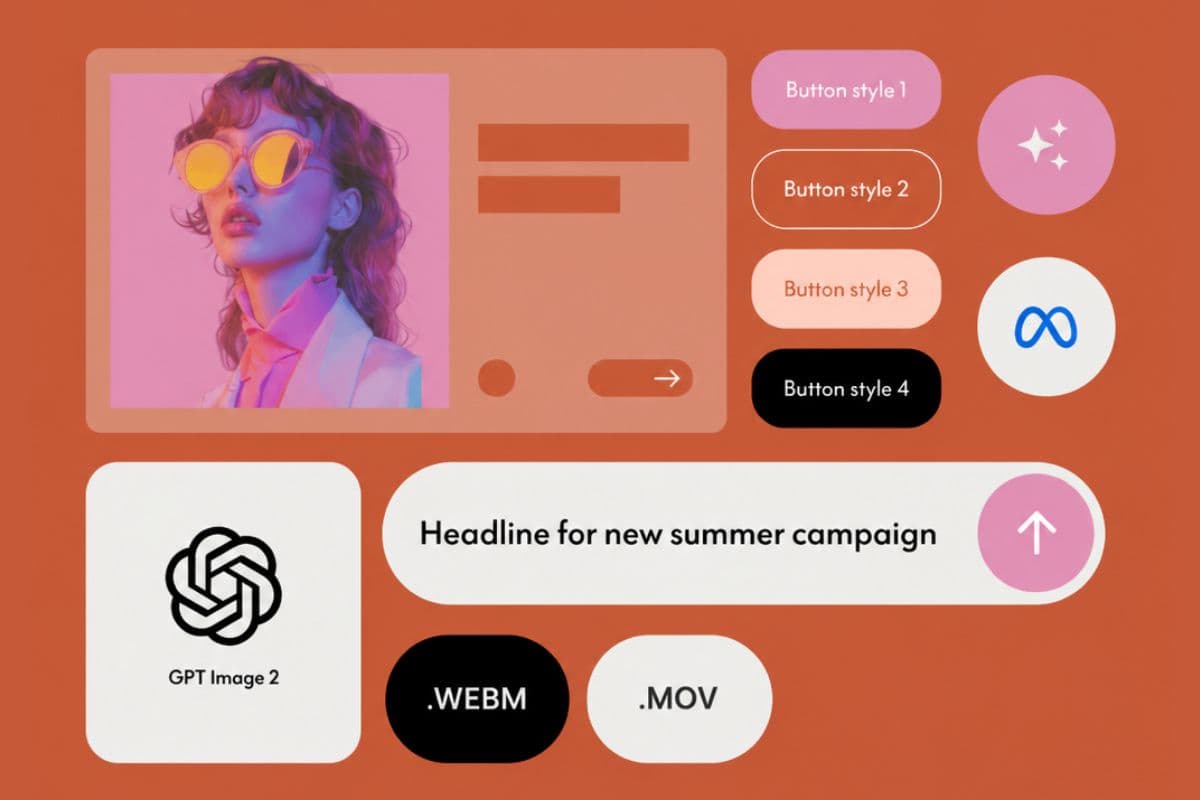
April was a heavy release month. Two of the shipments are big enough to change how teams approach paid creative: AI image generation that finally respects your brand, including your typography, and transparent video that ships natively to four new ad destinations. The rest are improvements that compress the time between idea and exported file.
If you're shipping paid social, programmatic display, or CTV creative, here's what changed.
For two years, the catch with AI image generation in advertising has been typography. Generators could produce a stunning hero image and mangle the headline beside it. Brand fonts came back as approximations. Logos came back as logo-shaped objects. Most performance teams kept AI in the moodboarding stage and never let it touch a final ad.
April closes that gap on two fronts.
OpenAI released GPT Image 2 on April 21, the most advanced image generation model available today. It produces sharp, properly spelled text across Latin, CJK, Hindi, and Bengali scripts at roughly 99% character-level accuracy, and it claimed the top spot on the Image Arena leaderboard within twelve hours of launch by a 242-point margin. That's the largest lead ever recorded on the board.
The Brief is now built on GPT Image 2. And because brand context flows through every generation, the text renders in your brand fonts, not in generic substitutes. When your Brand Kit is defined, every asset you generate inside The Brief, in Canvas or Ad Studio, comes back on-brand: your colors, your logo treatment, and the part that always slipped before, your typography. Headlines render in your font. CTAs render in your CTA style. The text on a generated product card matches the text on every other ad in the campaign.
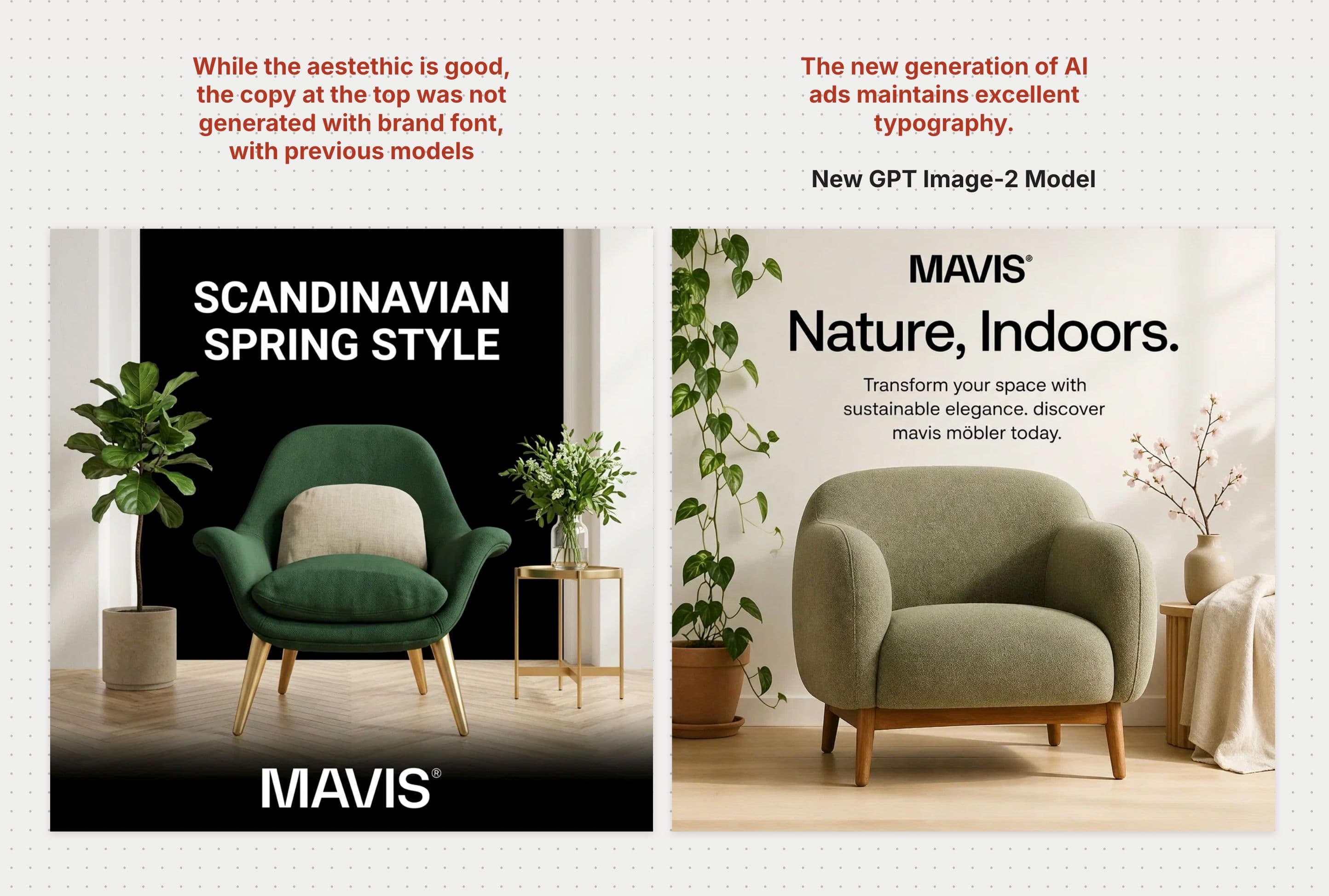
This new model is used whenever you will create new product photography or new ads inside Canvas and Ad Studio.
Transparent video, inside your ads
Transparent video on the web has always been awkward. No single file format plays everywhere with transparency intact: Chrome, Firefox, and Edge expect .webm with alpha (VP9 or AV1). Safari expects .mov with alpha (HEVC). Most teams gave up on the dual-format dance and fell back to flattened MP4 or animated PNGs. And ad networks rarely accept transparent source files as input, so even if you produced both formats, hosting them across DSPs was a separate fight.
April closes both gaps.
Import a .mov once and The Brief generates the matching .webm automatically. Import a .webm and you get the .mov. Both formats live alongside each other, with thumbnails, previews, replace-video flows, and the Brand Kit all handling transparency correctly.
What that unlocks is the part teams have asked for the most: in-banner motion as a layer inside the composition. Drop a transparent product loop, a mascot animation, or an animated logo over a designed background. Layer text and shapes around it. Animated logos, mascots, lower-thirds, product cutouts. Anything that should sit over a background without a hard rectangle around it is now a one-step import.
Export the composition as MP4 if you want a flattened video creative, or as HTML if you want the transparent video preserved as a motion layer inside a designed banner.
For HTML banners with in-banner video, we recommend using The Brief's ad serving. We host the creative, the format-per-browser delivery is handled automatically (.webm to Chrome, Firefox, and Edge; .mov to Safari), and there are no DSP blockers around hosting the source files.
Native video publishing to four new destinations
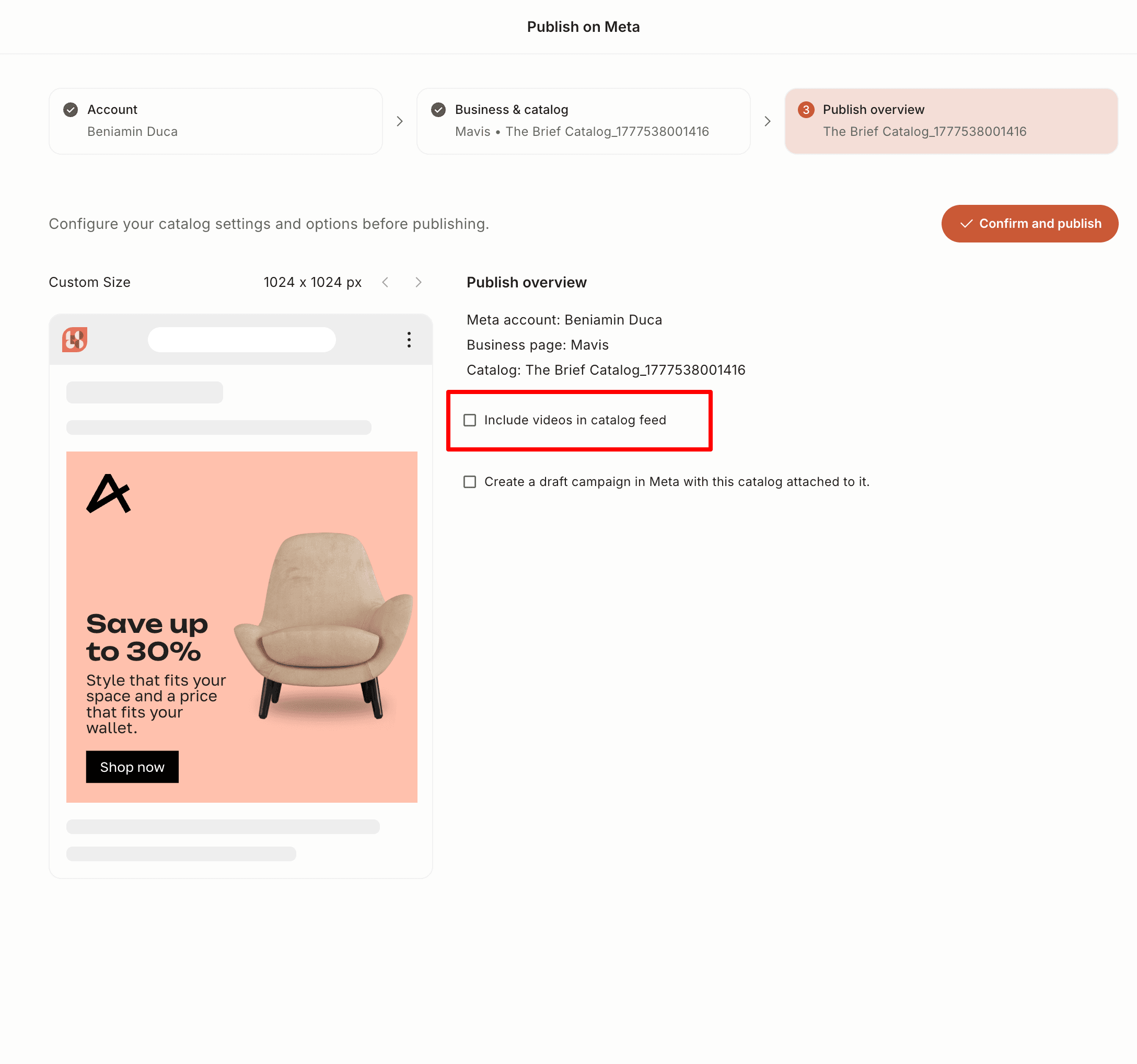
April added native video publishing to:
- Meta and Facebook video campaigns
- Facebook DPA video (dynamic product ads with video creatives)
- DV360
- CM360 (MP4)
Same creative, four destinations, no "download, re-upload, hope the dimensions match."
MP4 export at up to 3x, and 4K when you need it
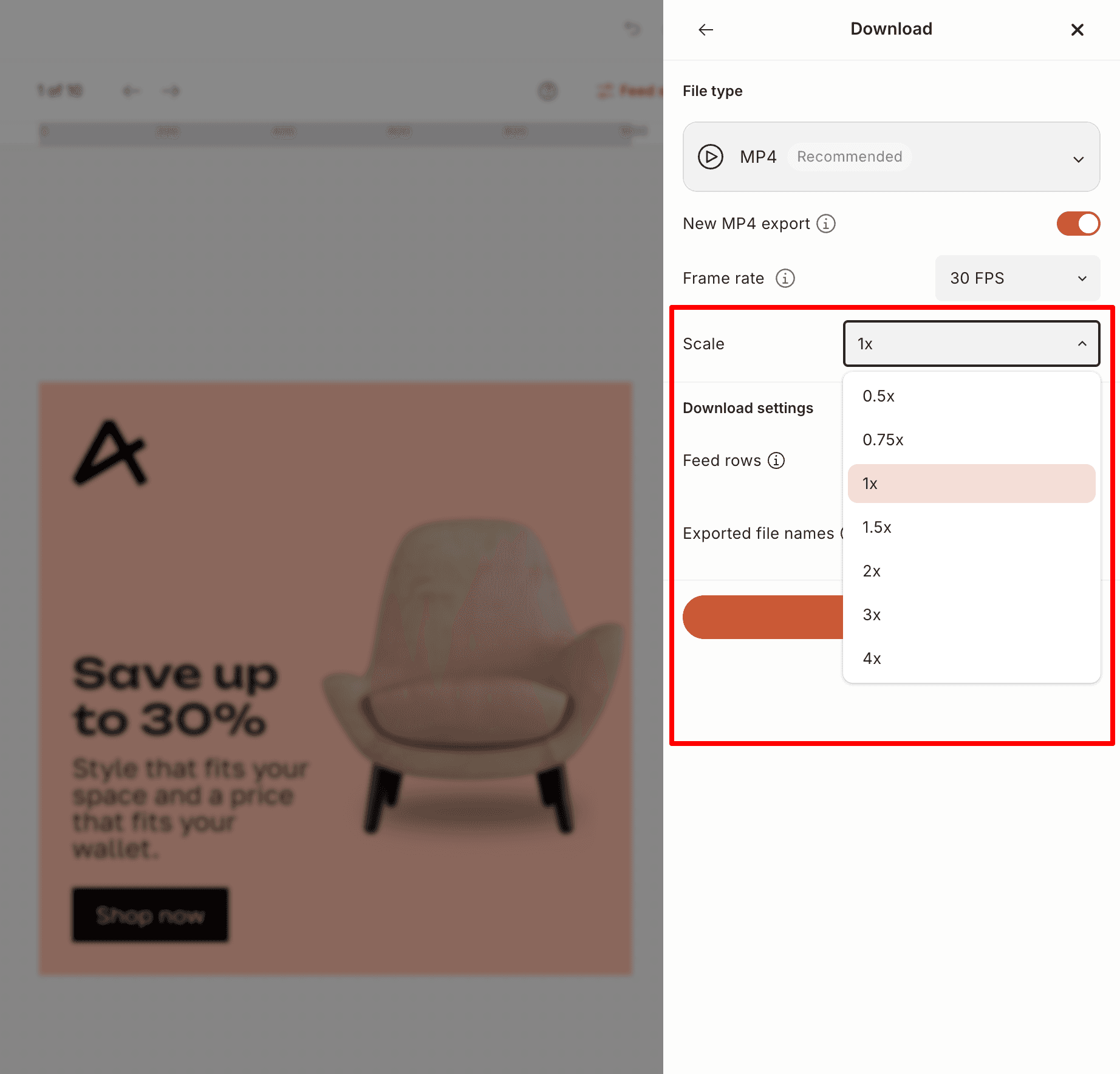
The MP4 download panel got a retina multiplier. Pick 0.5x, 0.75x, 1x, 2x, or 3x relative to your design's native dimensions. The render cap moved from QHD to 4K UHD when you're scaling up; native dimensions are preserved when you're not.
Concrete use case: you designed a 300×250 banner for display, but you need a sharp 1200×1000 cut for a landing-page hero. Bump the multiplier, re-export, done.
Brand Kit Buttons are now first-class
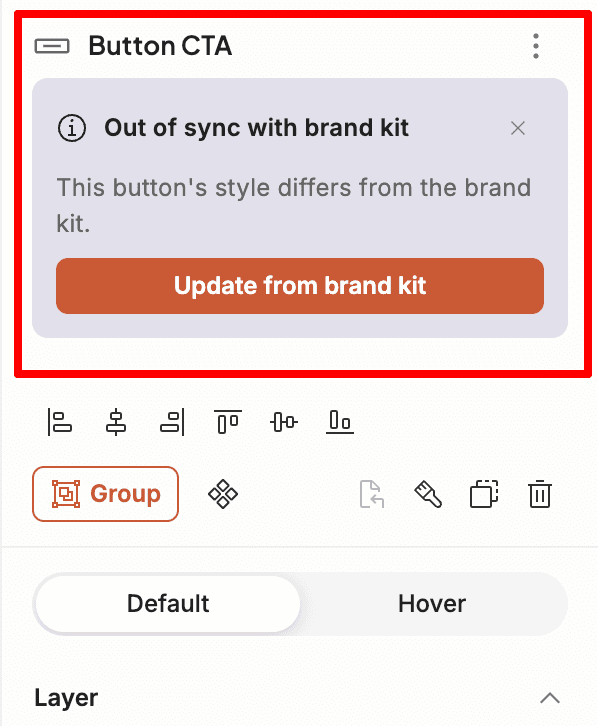
Buttons graduated from "saved style" to a full brand asset, alongside colors, fonts, and logos. Define a button (shape, fill, border, radius, typography, padding, hover state) once, and it lives in your Brand Kit. Place it on any design and the instance stays linked, so updates to the brand definition propagate to every creative that uses it. If an instance drifts, The Brief flags it and gives you a one-click reset.
When you spin up a Brand Kit from a URL, the importer extracts a button automatically: it pulls the accent color, picks a contrasting text color, and matches the most common border-radius from the source site (capped at 50px). New users land on a Brand Kit that already matches their site.
Stop rebuilding your CTA in every ad size, and stop chasing inconsistencies across a 30-format campaign.
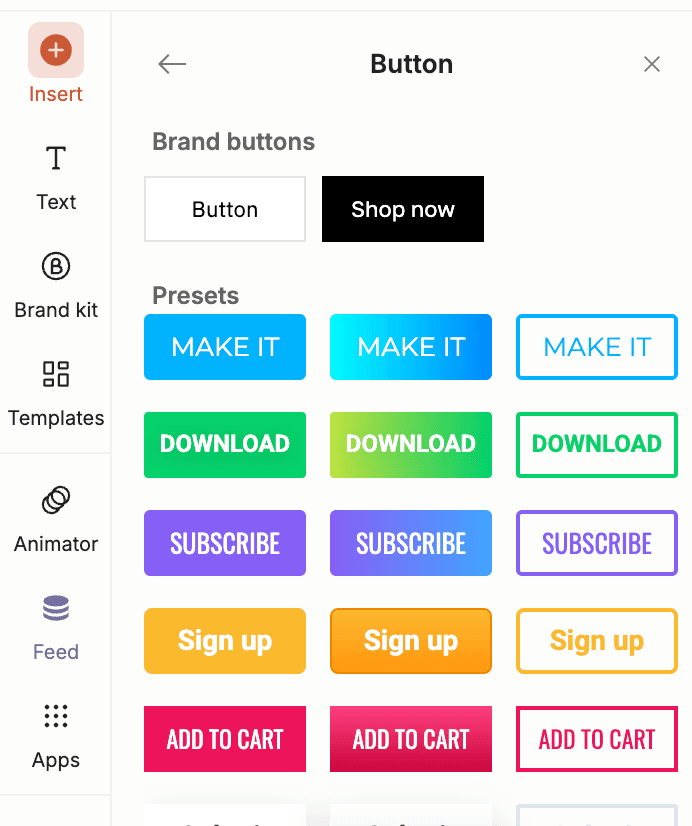
You can manage brand buttons from your Brand kit section, where you can add, remove or change style of them, but also while you are in Ad Studio, you can save or update style of existing buttons. Next time when you open a design that had a brand button component, you will be prompt to update its style.
Smart Apply: paste a URL, get a populated template
The new Import Assets dialog takes a URL, pulls the brand's logo, hero image, headline, description, and CTA, and auto-matches each one to the right slot in your current template. A live preview shows the populated template before you apply. Smart crop runs automatically on the matched hero image so it fits the frame.
URL to on-brand creative in three clicks. It's the fastest onboarding path The Brief has ever shipped, and it's just as useful mid-campaign: spinning up creative for a partner brand, a new product page, or a quick co-branded execution.
Ad Studio precision: live measurement, math in inputs, faster paste
Ad Studio got a handful of smaller releases that compound into a noticeably sharper working surface:
- Live drag distances. While moving an element, distance lines render to the nearest neighbors on every axis, with pixel values. Matching spacing across designs no longer means eyeballing.
- Hold-⌘ measurement overlay. With nothing being dragged, holding ⌘ shows distances between the hovered element and its neighbors. Spacing inspection without having to grab anything first.
- Math in numeric inputs. Every numeric input in Ad Studio (size, position, padding, radius, spacing) accepts expressions like
120 + 24,1080 / 4, or(800-32)/3. The calculator step goes away. - Paste image from clipboard. ⌘V from anywhere on your system creates an image layer in Ad Studio. Screenshots, browser images, app attachments. Same shortcut.
- Text auto-width. Text frames can now grow horizontally to fit a one-liner, so headlines and CTAs don't wrap or get clipped at fixed widths.
- Copy-paste layers across sizes, slides, and designs. Multi-select, copy, paste into a different size or another design. Position, transform, animation, links, and Brand Kit references all come along.
A new Ad Studio Preferences menu lets you toggle snap-to-guides and the measurement overlays on or off.
For enterprise teams
A few releases worth flagging if you're at a larger org:
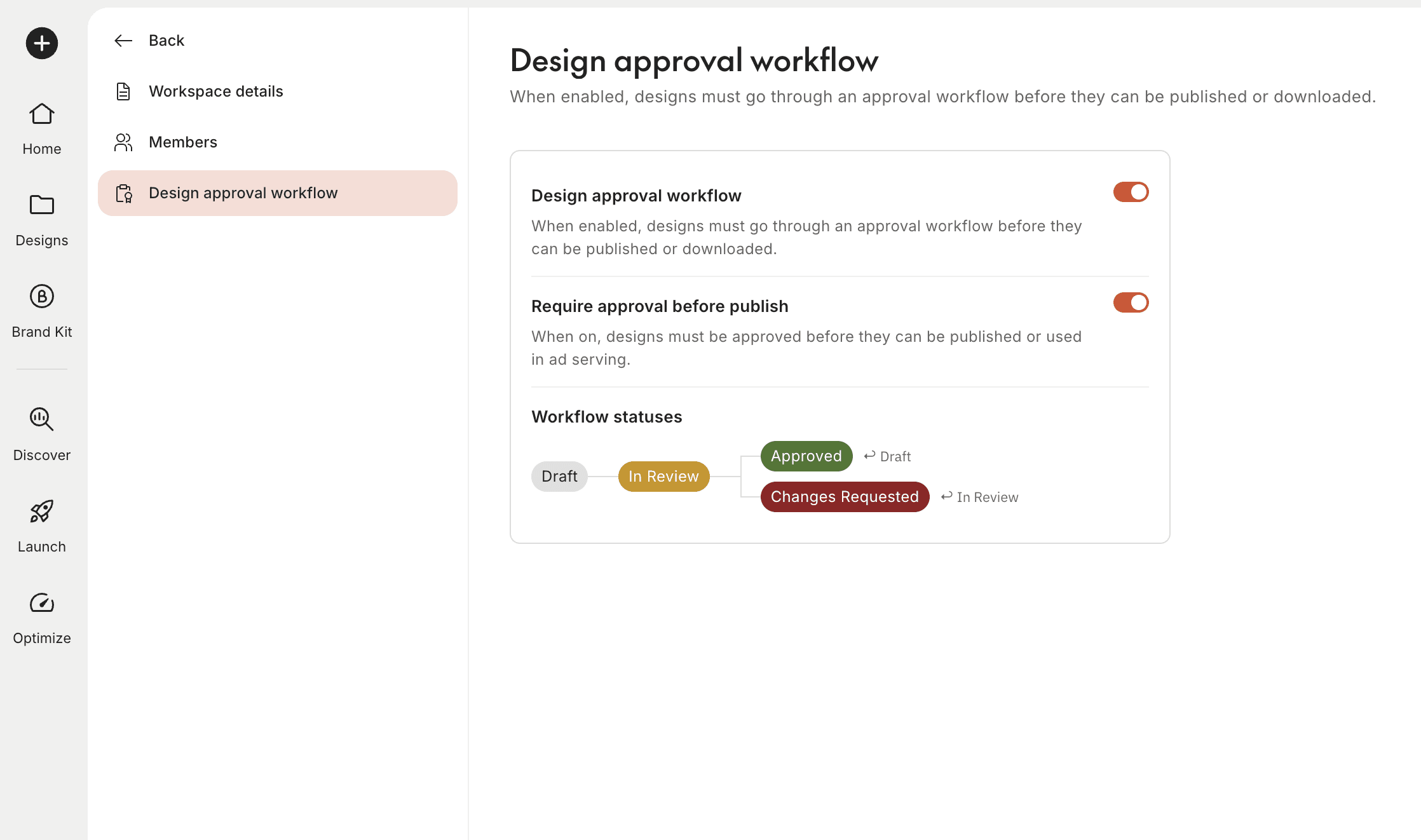
- Approve-design permission and reviewer assignment. Per-user permission plus a UI for assigning reviewers to designs and teams. Models real review chains for legal, pharma, and financial-services workflows.
- Adobe AEM Asset Selector. Full Adobe Experience Manager integration. Configure once in Team Integrations; designers browse and insert AEM-managed assets directly inside the editor, with delivery URLs preserved.
- Veeva multi-vault selection. Pharma teams running multiple Veeva Vaults can pick the vault and auth profile at publish time, instead of maintaining separate workspaces to hit different vaults.
- Public API: folder CRUD. Programmatic create, read, update, delete on folders. Mirror your internal asset taxonomy automatically.
FAQ
Can I use transparent video in my banner ads? Yes. Import a .mov or .webm once and The Brief generates the matching format automatically. Use it as a motion layer inside your banner composition, then export as flattened MP4 or as HTML with transparency preserved. For HTML banners with in-banner video, The Brief's ad serving delivers the right format to each browser (.webm to Chrome, Firefox, and Edge; .mov to Safari) so there are no DSP hosting blockers.
Can I generate ad images with AI that match my brand fonts? Yes. The AI Media v2 panel is built on GPT Image 2, the most advanced image model available, with near-perfect typography rendering. When your brand is defined in your Brand Kit, every AI generation comes back on-brand. Colors, logos, and fonts all match.
Can I publish video ads to Meta, DV360, and CM360 from The Brief? Yes. April added native video publishing to Meta and Facebook campaigns, Facebook DPA video, DV360, and CM360 (MP4).
Can I import a brand from a URL? Yes. Smart Apply pulls logo, hero image, headline, description, and CTA from a URL and auto-matches them into your template.


