

Complete guide to Bing Ads tools for 2026
PUBLISHED APRIL 30TH 2026
Microsoft Advertising reaches over 100 million daily users across Bing, Yahoo, DuckDuckGo, and Microsoft Edge - yet most marketers treat it as an afterthought to Google Ads. That's a missed opportunity, especially as Microsoft's ad business is growing at twice Google's rate and the right tools can make Bing campaigns just as efficient to manage.
This guide covers native Microsoft Advertising features, third-party management platforms, and AI-powered creative tools that help performance marketers launch faster and test more variations without burning out their design teams.
What are Bing Ads tools
Bing Ads tools, now officially called Microsoft Advertising tools, help marketers create, manage, and analyze paid search campaigns across Microsoft's network. The network includes Bing, Yahoo, DuckDuckGo, and Microsoft Edge, reaching over 100 million daily users. Some tools come built into the Microsoft Advertising platform, while others are third-party solutions that connect via API.
The landscape breaks into a few categories:
- Native tools: Features built directly into Microsoft Advertising, like the Editor and dashboard
- Third-party management platforms: External software for bulk management and cross-channel optimization
- Creative production tools: Solutions for generating ad assets and variations at scale
- Analytics tools: Platforms that unify Bing Ads data with other channels
Knowing which category fits your workflow helps you avoid adding complexity when you're trying to save time.
Microsoft Advertising tools vs Google Ads tools
Both platforms share similar structures (campaigns, ad groups, keywords, bidding strategies) but they serve different audiences. Microsoft Advertising typically delivers ~40% lower cost-per-click and reaches users who skew older, more affluent, and more desktop-focused. Google Ads offers significantly larger reach and more mature automation.
| Feature | Feature Microsoft Advertising | Google Ads |
|---|---|---|
| Audience reach | ~100M daily users | ~8.5B daily searches |
| Average CPC | 20-35% lower | Higher competition |
| Desktop vs mobile | Desktop-heavy | Mobile-dominant |
| B2B targeting | LinkedIn integration | Limited |
| Import capability | Import from Google | No import from Bing |
Feature and capability comparison
Microsoft Advertising Editor mirrors Google Ads Editor closely, so the learning curve stays minimal if you already know one. Both platforms offer automated bidding, audience targeting, and reporting dashboards. However, Microsoft's LinkedIn Profile Targeting lets you reach users by company, industry, or job function, something Google doesn't offer.
When to prioritize Microsoft Advertising
B2B marketers often find stronger ROI here because of LinkedIn integration. If your audience includes desktop users, professionals, or enterprise decision-makers, Bing's network - commanding ~17% of U.S. desktop search - tends to outperform on efficiency. Lower competition also means your budget stretches further.
When to prioritize Google Ads
For consumer brands, e-commerce, or campaigns where volume matters most, Google's reach is unmatched. Mobile-first audiences and awareness campaigns typically perform better there.
Managing both platforms together
Most performance marketing teams run campaigns on both networks. Cross-platform tools like Optmyzr or Wordstream let you manage, optimize, and report across channels without duplicating effort. The goal is treating both platforms as one system rather than separate silos.
Native Microsoft Advertising tools every marketer should know
Microsoft provides a solid set of free tools that handle core campaign management. Before investing in third-party solutions, it's worth knowing what's already available.
Microsoft Advertising Editor
This free desktop app lets you make bulk changes offline, then sync when ready. You can edit thousands of keywords, adjust bids across campaigns, and copy entire account structures without waiting for the web interface. Anyone managing more than a handful of campaigns will find it essential.
Bing Ads dashboard
The web interface is where most marketers monitor performance day-to-day. It shows real-time metrics, campaign health indicators, and optimization recommendations. While not as powerful as the Editor for bulk changes, it's the go-to for daily check-ins.
Microsoft Advertising Copilot
Microsoft's built-in AI assistant helps generate ad copy, suggest keywords, and spot optimization opportunities. It's useful for drafting responsive search ad variations quickly, though human review before publishing is still a good idea.
Google Ads import tool
Already running Google Ads? The import tool transfers campaign structures, keywords, and ads directly into Microsoft Advertising. You'll want to review bids afterward since auction dynamics differ, but it saves hours of manual setup.
Universal Event Tracking for Bing
UET is Microsoft's conversion tracking tag. Once installed on your website, it tracks purchases, form submissions, and page views. Without UET, you can't see what's actually driving results.
Bing Ads API for developers
For teams with technical resources, the API provides programmatic access to everything in the platform. Custom integrations, automated reporting, and connections to internal systems all become possible.
Ad preview and diagnostics
This tool checks whether your ads are showing for specific queries without generating impressions or affecting your data. It's helpful for troubleshooting delivery issues or verifying new campaigns are live.
Third-party Bing Ads management platforms
Native tools cover the basics well. Third-party platforms unlock advanced automation, cross-channel management, and capabilities Microsoft doesn't offer natively.
Cross-platform campaign managers
Tools like Optmyzr, Wordstream, and Marin Software let you manage Bing and Google Ads from one interface. They typically offer enhanced automation rules, better bulk editing, and unified reporting.
Bid management and automation tools
Platforms like Kenshoo and Acquisio specialize in algorithmic bidding, dayparting optimization, and budget pacing. If you're managing significant spend and want more control than native smart bidding provides, they offer granular automation.
Bing Ads analytics and reporting platforms
Supermetrics, Funnel.io, and similar tools pull Microsoft Advertising data into unified dashboards alongside other channels. Seeing the full picture becomes easier without manually exporting spreadsheets.
Creative production and asset management
Here's where many teams hit a wall. You can optimize bids and targeting all day, but if your creative team is bottlenecked producing ad variations, campaign velocity suffers. Platforms like The Brief connect creative production directly to your advertising workflow, generating hundreds of on-brand variations without waiting on designers for every resize.
AI-powered creative tools for Microsoft Advertising
AI-driven creative production is changing how performance marketers approach ad development. Instead of manually creating each variation, AI tools generate options at scale while maintaining brand consistency.
Automated ad copy generation
AI copywriting tools draft headlines and descriptions based on product data, landing pages, or campaign briefs. The output typically requires editing, but it accelerates brainstorming significantly.
Dynamic creative production at scale
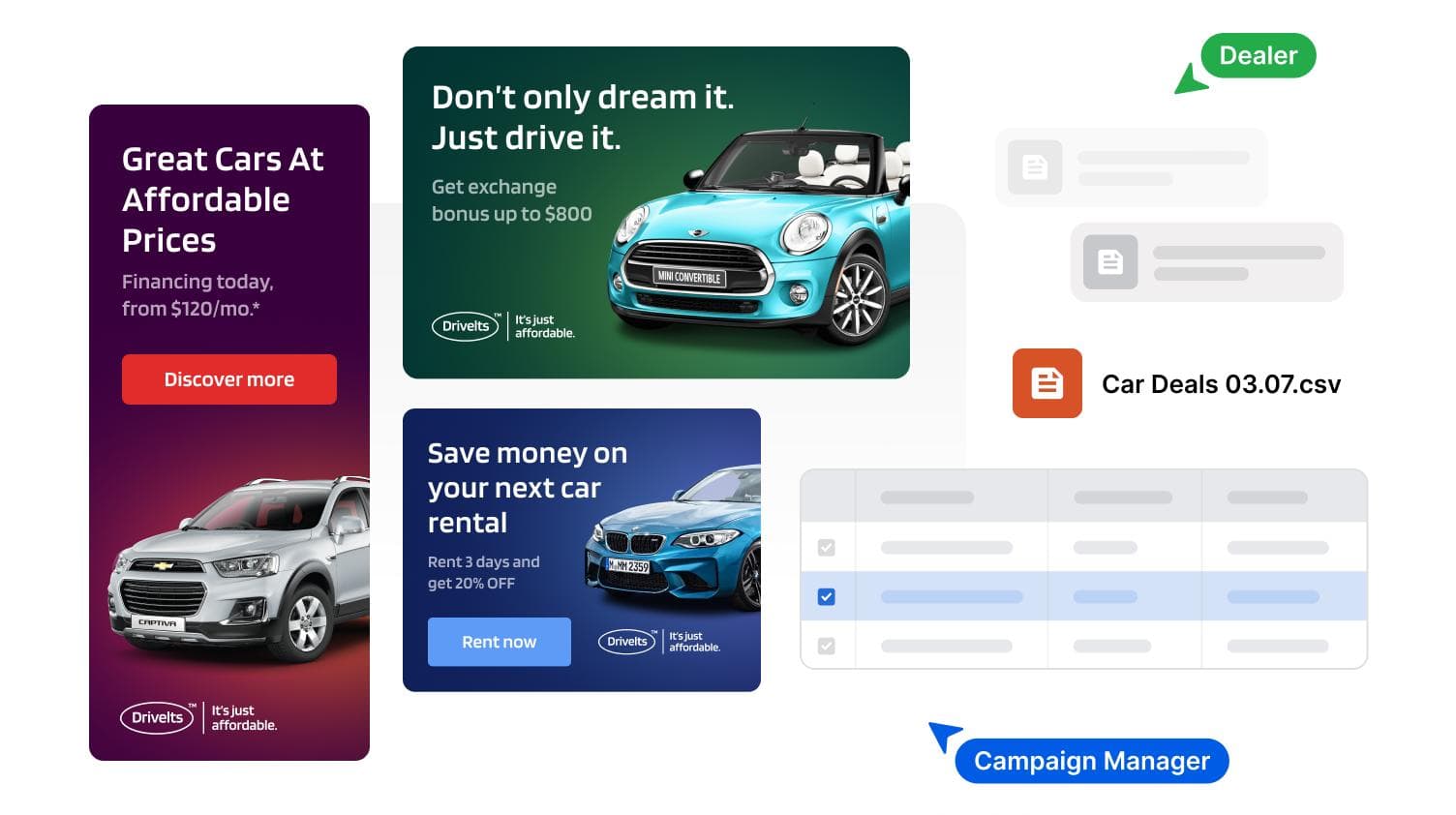
True A/B testing requires volume. You can't learn what works with three ad variations. AI-powered creative platforms generate hundreds of variations from a single template, feeding your testing program with enough options to find statistical winners.

Performance-driven creative optimization
Some platforms now connect creative variations directly to performance data, automatically identifying which elements (headlines, images, CTAs) drive better results. This closes the loop between production and optimization.
Brand-compliant asset automation
The challenge with scale is maintaining consistency. Platforms like The Brief build brand rules into the production process, so non-designers can create assets that stay on-brand without constant creative team oversight.
How to choose the right Bing Advertising tools
Selecting the right tools depends on your specific situation rather than feature checklists.
Assess team size and technical capabilities
A solo marketer managing a few campaigns has different requirements than a 20-person demand gen team. Smaller teams often benefit from all-in-one platforms that reduce context-switching. Larger teams might prefer specialized tools that excel at specific functions.

Evaluate integration with your existing stack
The best tool connects to what you already use. Check whether potential solutions integrate with your CRM, analytics platform, and creative tools before committing.
Consider creative production requirements
Many teams focus on campaign management tools while ignoring the creative bottleneck. If designers are constantly swamped with resize requests and minor tweaks, a creative automation platform might deliver more value than another bid management tool.
Calculate total cost of ownership
Free tools aren't always cheaper when you factor in time spent on manual workarounds. Paid tools aren't always worth it if they require extensive training. Consider implementation time, learning curves, and ongoing maintenance alongside subscription costs.
How to set up your Bing Ads tool stack
Getting tools configured correctly from the start prevents headaches later.
1. Install Microsoft Advertising Editor
Download the Editor from Microsoft's website and connect it to your account. Learning keyboard shortcuts pays off quickly.
2. Configure Universal Event Tracking
Install the UET tag via Google Tag Manager or directly in your site's code. Set up conversion goals before launching campaigns.
3. Connect your creative production platform
If you're using a creative automation tool, connect it early so assets flow directly into campaigns without manual uploads. The Brief's export workflows are designed to make this step seamless.
4. Set up cross-platform reporting
Connect Microsoft Advertising data to your reporting dashboard alongside other channels. A unified view makes optimization decisions clearer.
5. Enable automation rules and alerts
Configure rules for bid adjustments, budget alerts, and performance thresholds. Start conservative. You can add more automation as you learn what works.
How to optimize Bing PPC with automation
Automation isn't about removing human judgment. It's about applying that judgment at scale.
Automate bid adjustments by performance
Set rules that increase bids on high-converting keywords and decrease them on underperformers. Layer in time-of-day and device adjustments based on your data.
Scale ad variations programmatically
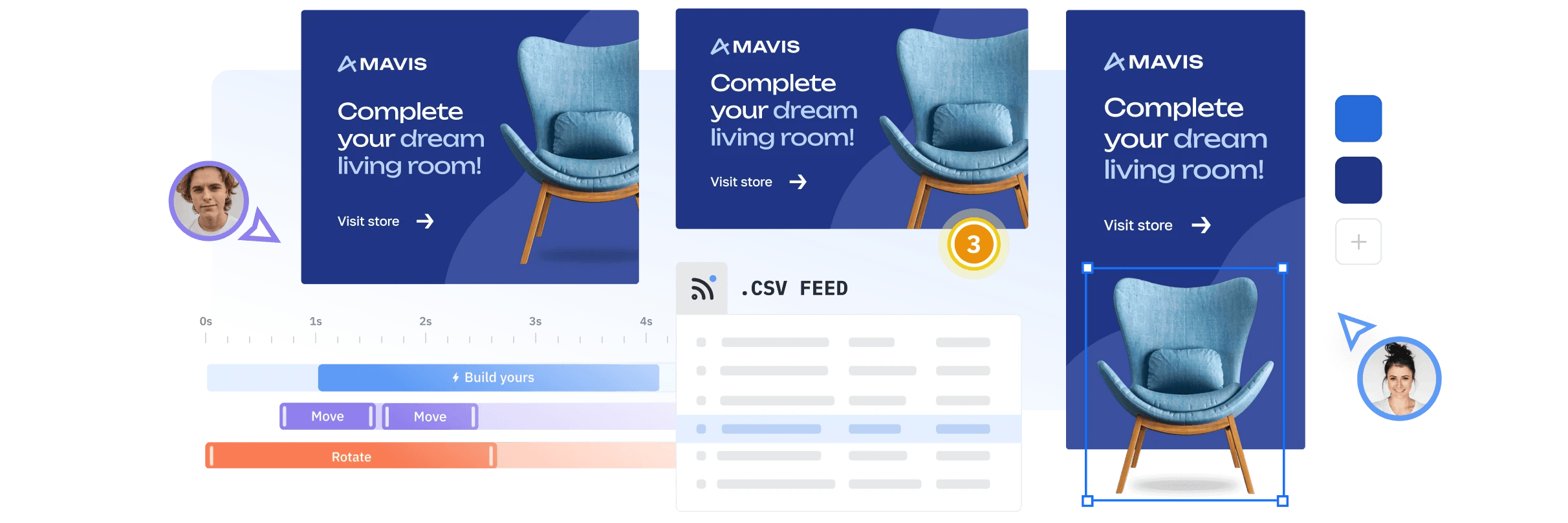
Instead of manually creating each ad, use templates and data feeds to generate variations automatically. This lets you test more hypotheses without proportionally increasing production time.
Automate performance reporting
Schedule reports to arrive in your inbox rather than manually pulling data. The time saved compounds quickly. Tools built around real-time analytics make this even more effective.
Enable smart audience expansions
Microsoft's audience tools can identify new segments similar to your converters. Test expansions with controlled budgets to find growth opportunities.
Scale Bing Ads creative without designer bottlenecks
Creative production is often the hidden constraint on campaign performance. You might have budget and strategy, but if you can't produce enough variations to test, optimization stalls.
Templatize your best-performing ads
Turn winning ads into reusable templates that can be quickly adapted for new campaigns, products, or audiences. The Brief's ad studio makes it straightforward to build and reuse these templates at scale.
Enable self-service creative production
Platforms like The Brief let non-designers create on-brand assets using pre-approved templates and brand guidelines. This frees your creative team for higher-value work while maintaining quality.
Automate asset resizing and reformatting
Manually resizing ads for different placements is exactly the kind of tedious work AI handles well. A banner resizer built into your creative platform can automate it and reclaim those hours for strategy. Before resizing, make sure you're working from the correct Microsoft ad specifications for each placement.
Maintain brand compliance at scale
As more people create assets, brand consistency becomes harder to enforce. Intelligent brand management controls built into your creative platform catch issues before they go live.
Build a Bing Ads tech stack that maximizes ROI
The goal isn't collecting tools. It's building a connected system where each component makes the others more effective. Native Microsoft tools handle core campaign management. Third-party platforms extend automation and cross-channel capabilities. Creative production tools eliminate the bottleneck that limits how fast you can test and learn.
When everything works together, you spend less time on manual tasks and more time on decisions that actually move performance metrics.
FAQs about Bing Ads tools
What is the best free Bing Ads tool?
Microsoft Advertising Editor offers the most functionality at no cost - bulk editing, offline management, and campaign duplication.
Can I manage Bing Ads and Google Ads from one platform?
Yes. Cross-channel tools like Optmyzr and Wordstream provide unified interfaces for managing both networks.
Does Microsoft Advertising have an API for developers?
Yes. The Bing Ads API provides programmatic access for custom integrations and automated reporting.
How do I import Google Ads campaigns into Microsoft Advertising?
Use the built-in import tool. Navigate to Import > Import from Google Ads, connect your Google account, and select which campaigns to transfer.
What is Microsoft Advertising Copilot?
Copilot is Microsoft's built-in AI assistant that helps generate ad copy and identify optimization opportunities.
Is Microsoft Advertising Editor available for Mac?
Currently, the Editor is Windows-only. Mac users typically run it through virtualization software or use the web interface.
How much do Bing Ads management tools cost?
Native Microsoft tools are free. Third-party platforms range from $50/month for basic tools to several thousand monthly for enterprise solutions.
7 days free on us
Let's put these insights into action. Build, scale, and automate campaigns with AI-powered workflows.

